



How does UV ink jet printer save UV ink?
From: 本站 Date: 25th August 2024 Author: Senyoqc Views: 2391
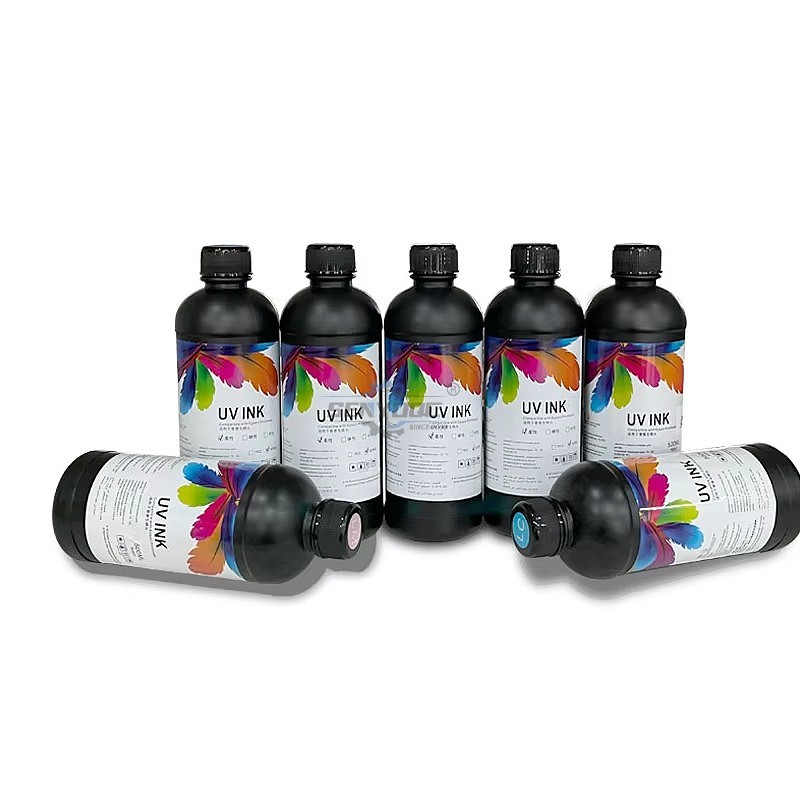
UV inkjet printer use process is an important consumable UV ink, reasonable use of equipment, can save UV ink , it can be said to be the best choice to directly save the cost. In the process of using some skills you need to be familiar with, the following small make up to share with you:
1. Try to use economic printing mode
Now newer inkjet printers have added "economical printing mode".
which is reported to save more than half of the ink and greatly improve the printing speed.
but I found the effect is not so exaggerated in actual use, the speed is increased, but only about 30% ink saving.
Of course, if you want to print graphics, I suggest you do not use the "economic print model".
the effect is not too good, but the general text, is basically no problem.
2. Cleverly set page layout
Sometimes we longer documents in printing, but the document did not actually packed.
it's easy to waste paper, we can at the time of print documents, through some clever typesetting,
the content as far as possible on a page, and then combined with the economic model.
the ink will save much more, at the same time can also save some paper.
3. try to focus on printing
The worst thing you can do with an inkjet printer is to print every few minutes.
If you need to print a lot of things, I suggest you group them together.
Because every time the inkjet printer starts, the printer cleans the print head and initializes the printer.
filling the ink delivery system with ink, this process will waste more ink, so try not to start the printer frequently.
4. Properly clean the print head
Most inkjet printers will automatically clean the print head after starting up.
and there is a button to clean the print head.
For example, inkjet printer has the functions of quick cleaning, regular cleaning and thorough cleaning.
For specific cleaning operation, please refer to the steps in the inkjet printer operation manual.
If the automatic cleaning function of the printer is not effective, the print head can be cleaned manually.
Manual cleaning should follow the steps in the manual to remove the print head.
Manual cleaning of the print head can be in the front end of the medical injector set a piece of thin rubber tube,
into the water washing after strict filtration, when washing carefully observe the spray hole with a magnifying glass,
such as the hole next to the residue of deposition, can be used to remove soft rubber products.
For a long time unused integral print head due to the ink dry plug spray hole, can be soaked in hot water and then clean.
The following points should be noted when cleaning the print head:
a. do not clean the nozzle with sharp objects, do not hit the nozzle, do not touch the nozzle by hand;
B. do not disassemble or install the sprinkler head when it is live. Do not touch the electrical contact of the sprinkler head with hands or other objects;
C. do not remove the nozzle from the printer and place it separately. Do not place the nozzle in a dusty place.
5. Choose the appropriate printing mode
The economic model saves ink at the cost of reducing print quality.
The standard printing mode is quite satisfactory but expensive.
We can adjust the printing density and even define the printing mode ourselves to save ink.
However, one set of Settings will work differently for different ink cartridges and paper.
and you can make subtle adjustments to get the best results before printing.
6. do not immediately replace the cartridge
We know that inkjet printers detect the amount of ink in the ink cartridge through an induction sensor.
As long as the sensor detects that the amount of ink in one of the colors is less than the value set by the printer.
it will prompt to replace the ink cartridge.
At this point, we can take out the cartridge and reset the internal sensor in the printer, thus confirming the installation of the new cartridge.
7. the correct selection of compatible ink
Now many printers can use compatible ink cartridge, actually do so while seem to save the cost.
but come down for a long time there is some damage to the inkjet printer.
so we prefer to fill into the original cartridges, compatible ink also don't use the original ink cartridges.
because most of these are sponge cartridges, non-genuine cartridges the sponge dissolution content more.
the ink mouth use stainless steel mesh can not meet the requirements, easy to cause the nozzle clogging.
Therefore, using the original cartridge to add compatible ink is a more reasonable scheme.
8. reduce the number of cleaning
In the using process of inkjet printer ink-jet printer jams phenomenon, the causes of congestion.
the quality of the work environment such as printer, printer ink, printer spare time and so on.
because every time wash ink jet head will consume large amounts of ink.
so should be cleaned to minimize the number of ink-jet printer, of course.
should be paid attention to when using the printer ink use printer manufacturer designated models as much as possible.
Master these 8 skills, can effectively save UV ink, but also can extend the service life of the equipment.
first choice, hope to help you, learn more about the equipment information of SENYOQC printer .
Welcome your inquiry message for machine which you intrested .


• Previous: Waterjet Machine delivery and Shipping
- Fiber metal Laser Sensor And Its Application
- Laser Cutting Machine Inspection Process For Manufacture
- How Control Costs Use of UV Printers ?
- Why UV flat printing machine is popular in market ?
- How does UV ink jet printer save UV ink?
- Waterjet Machine delivery and Shipping
- Waterjet Machine finish manufacture 5axis
- Waterjet Machine delivery and Shipping
- How to Create Connected Text – Inkscape for Laser Cutting
- How to get started with laser cutting in 4 steps
- How does a laser cutter work?
- Wine butler
Mini Desktop CNC Router for Gifts Making Small Business
Best Granite marble manual polishing machine For Sale
Stone Processing CNC Equipment Automatic Tool Changer CNC Quartz Stone Machining
3020 40W Mini CO2 Laser Engraving Cutting Machine
New Design Mini Stone CNC Machine for Marble, Granite and Quartz
Portable CNC Flame Cutting Machine with Plasma Torch for Sale
High-Precision Mini Hobby CNC Plasma Cutting Machine for Metal
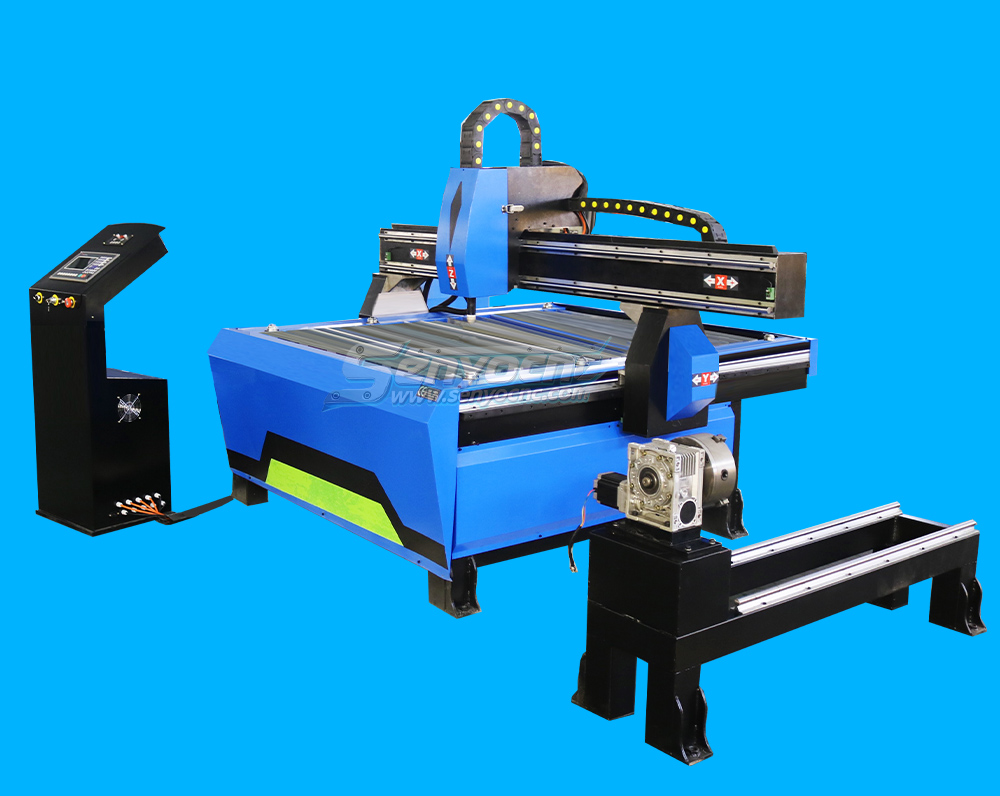
Mini CNC Plasma Cutter With Rotary
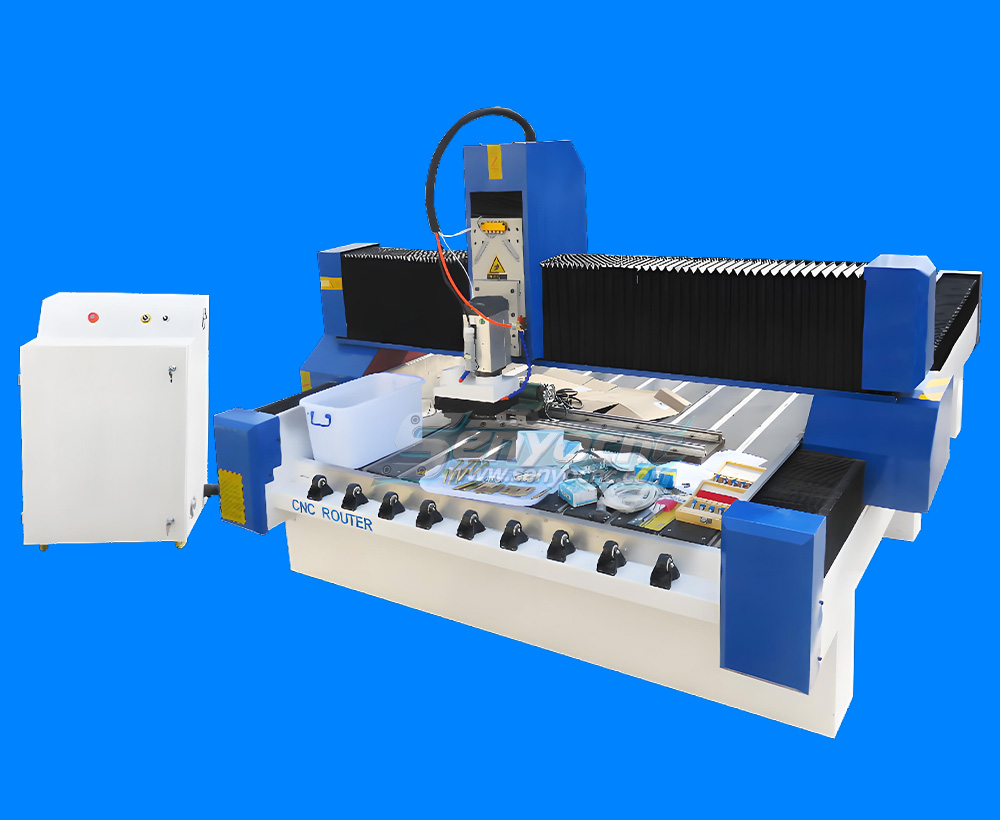
4 Axis 1325 Sculpture Machine Cnc Carving Marble Granite Stone Cnc Router
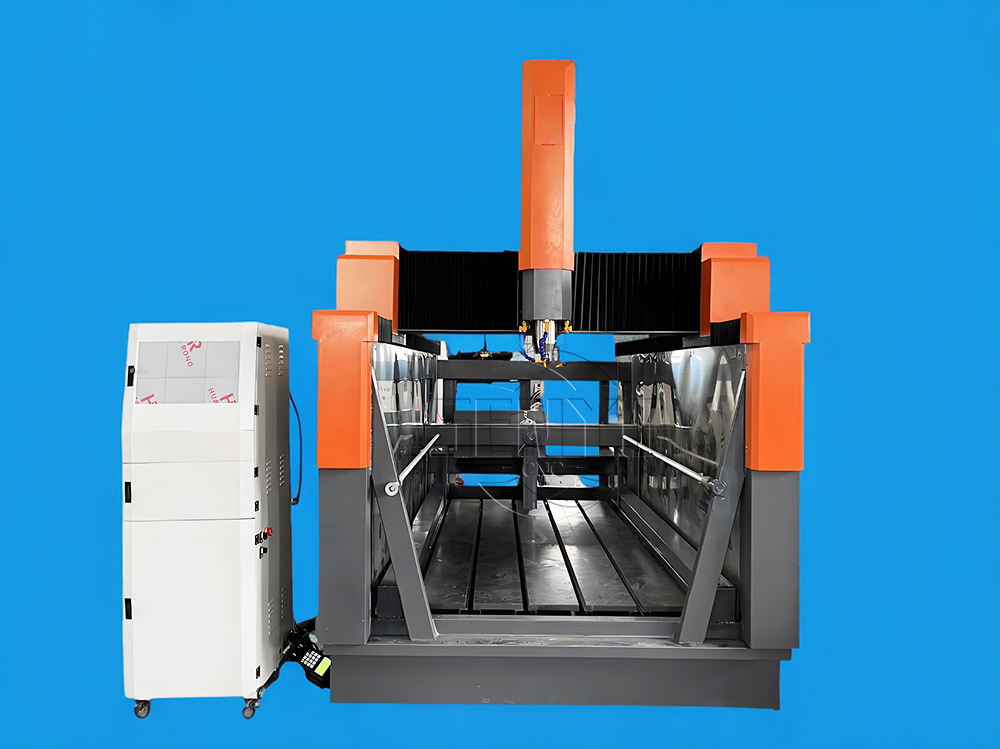
Z Height 1000MM 4-AXIS Stone Engraving CNC Machine Heavy-duty Stone CNC Machine Stone Relief Carving CNC For Sale
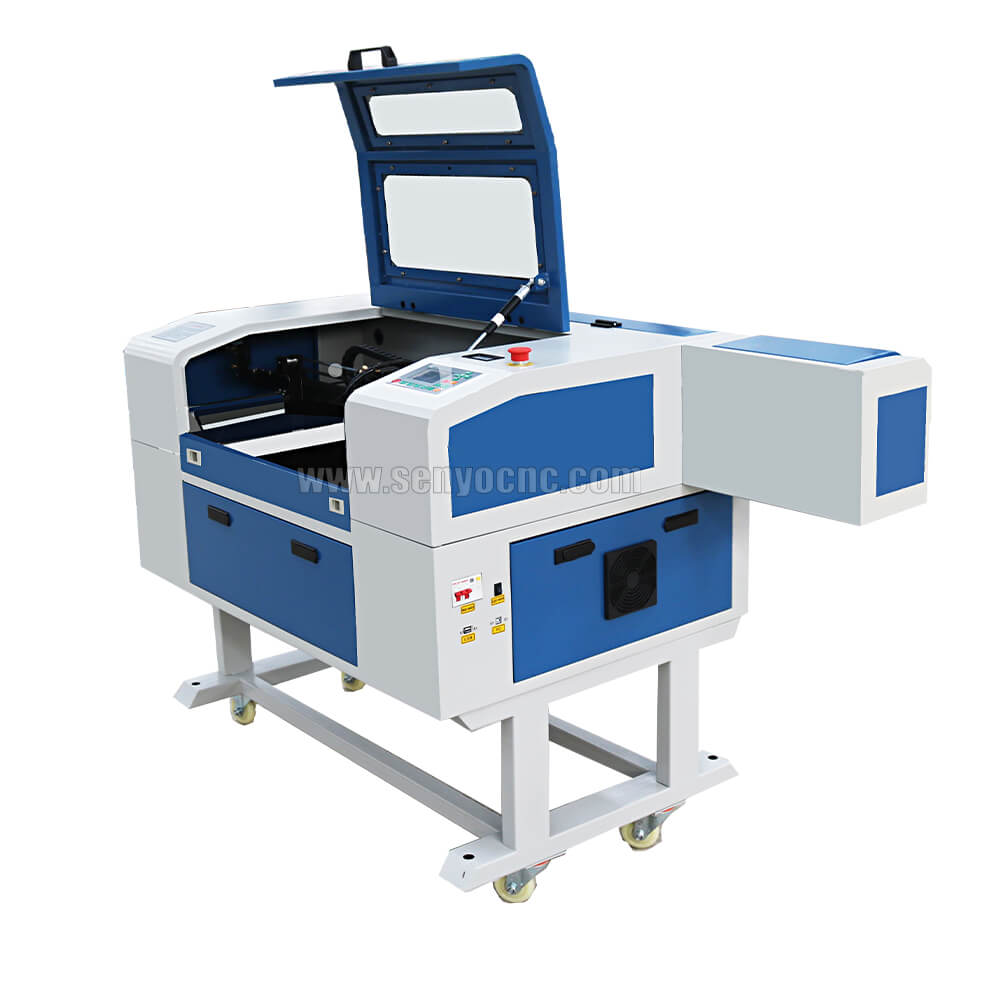
4030 portable mini co2 laser carving and desktop rubber stamp laser engraving machine
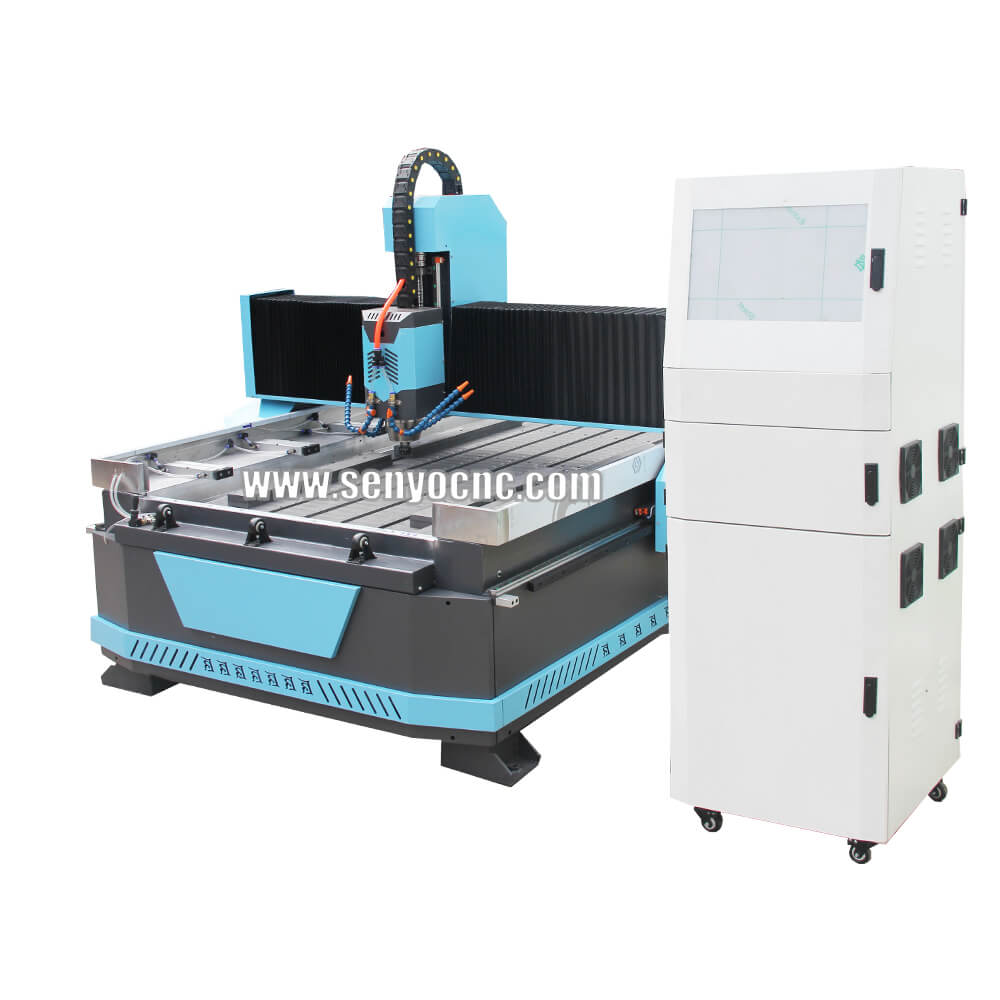
Stone CNC Router For Kitchen sink tile carving and cutting Marble, Granite and Quartz
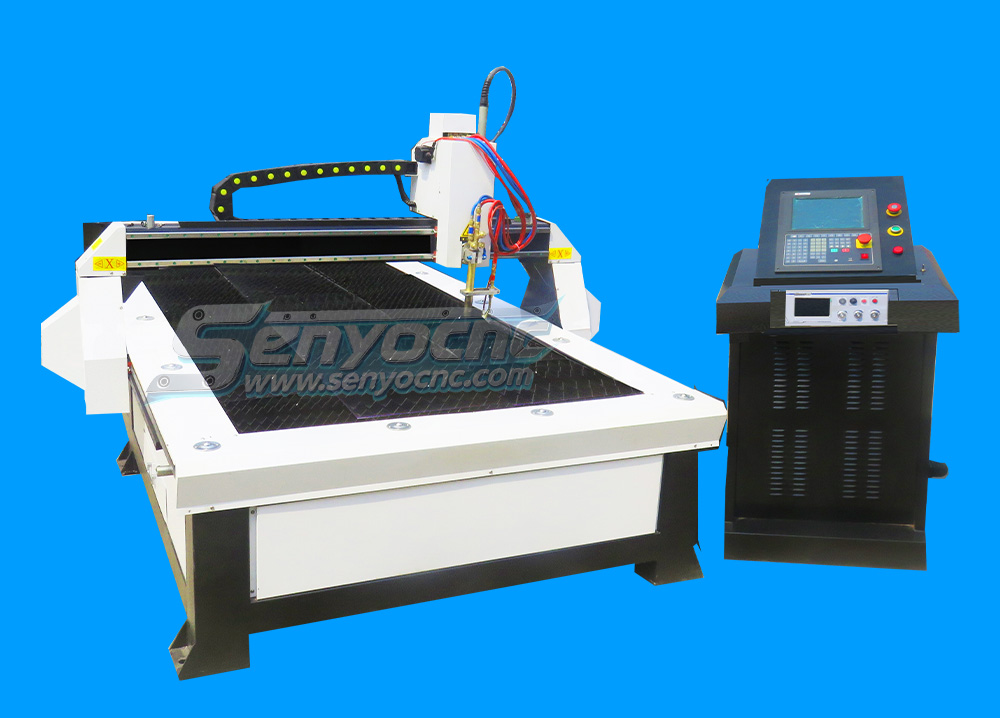
Robust CNC Plasma Cutting Machines with Flame Cut Head for Heavy-Duty Industrial Use
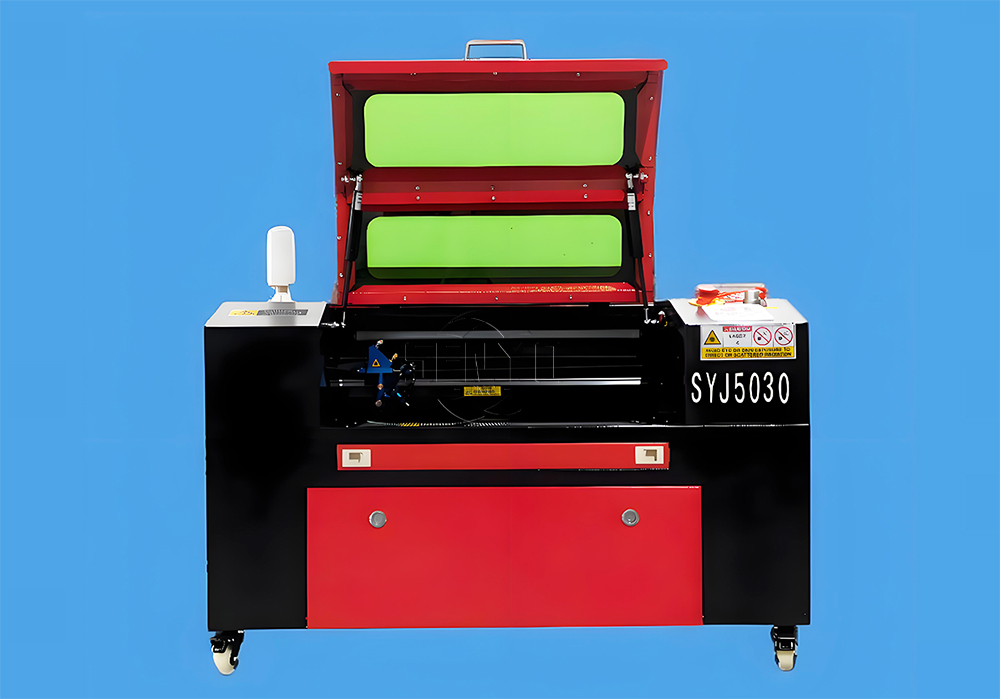
Small Portable CO₂ Laser Cutter Engraving for DIY & Business – Ideal for Wood, Acrylic, Leather
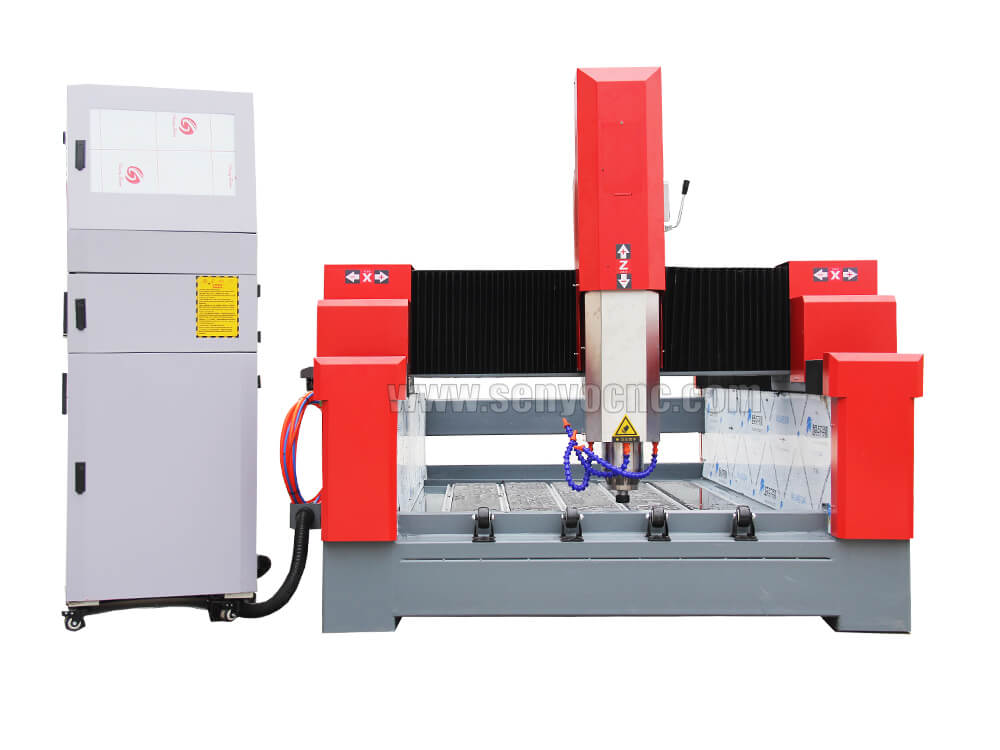
1325 3 Axis 4x8 CNC Stone Router for Sale
Mini CO2 Laser 5030 Cutting Engraving Machine For Sale
Portable CNC Plasma Flame Cutting Machine for Sale at Cost Price
Portable Cnc Plasma Oxyfuel Sheet Metal Cutting Machine for sale
CNC Plasma Cutters for Customized Metalwork –Rotary&Drilling Head
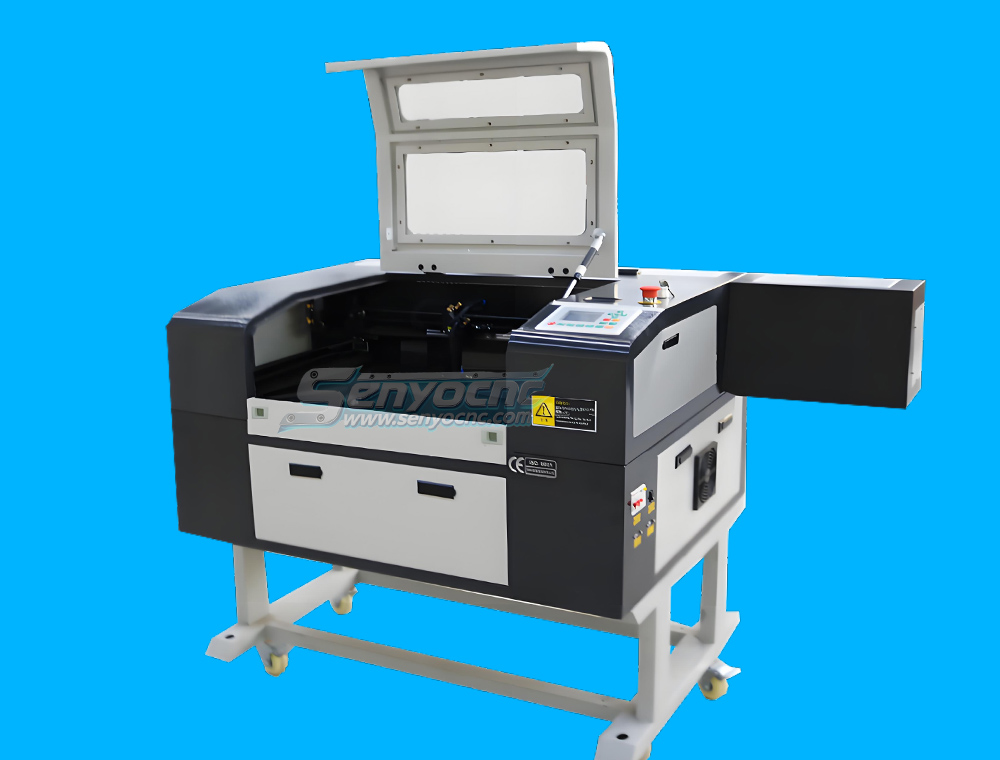
Small Table design 6040 Easy Move CO2 Hobby Laser Cutter Machine for Beginners
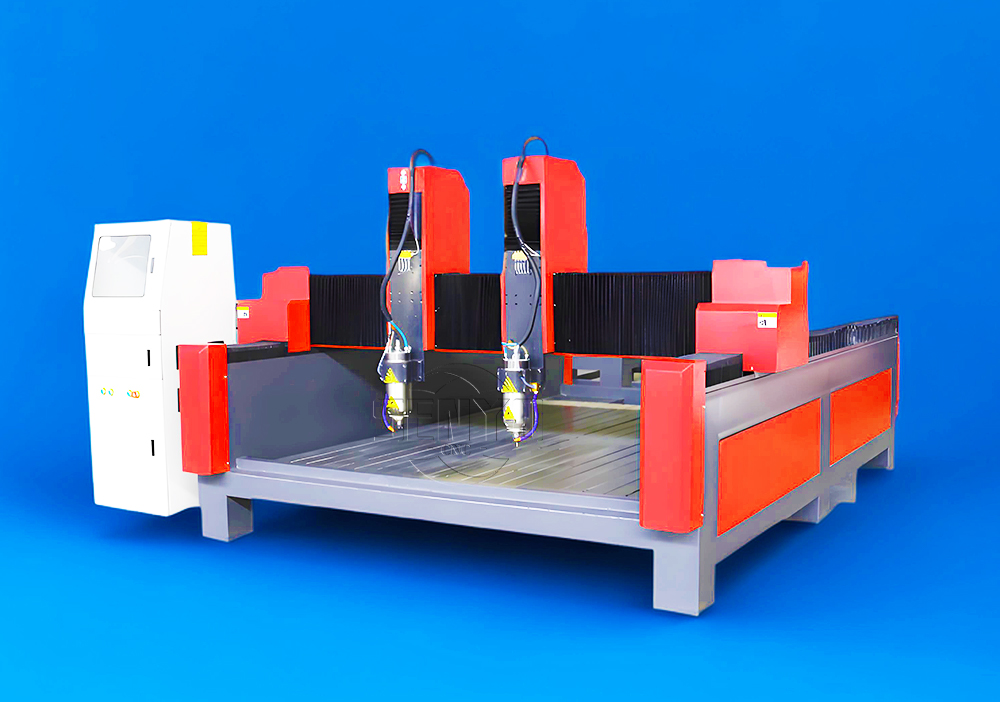
High-Efficiency 2 Heads CNC Machine for Aluminum Stone Marble Engraving & Cutting
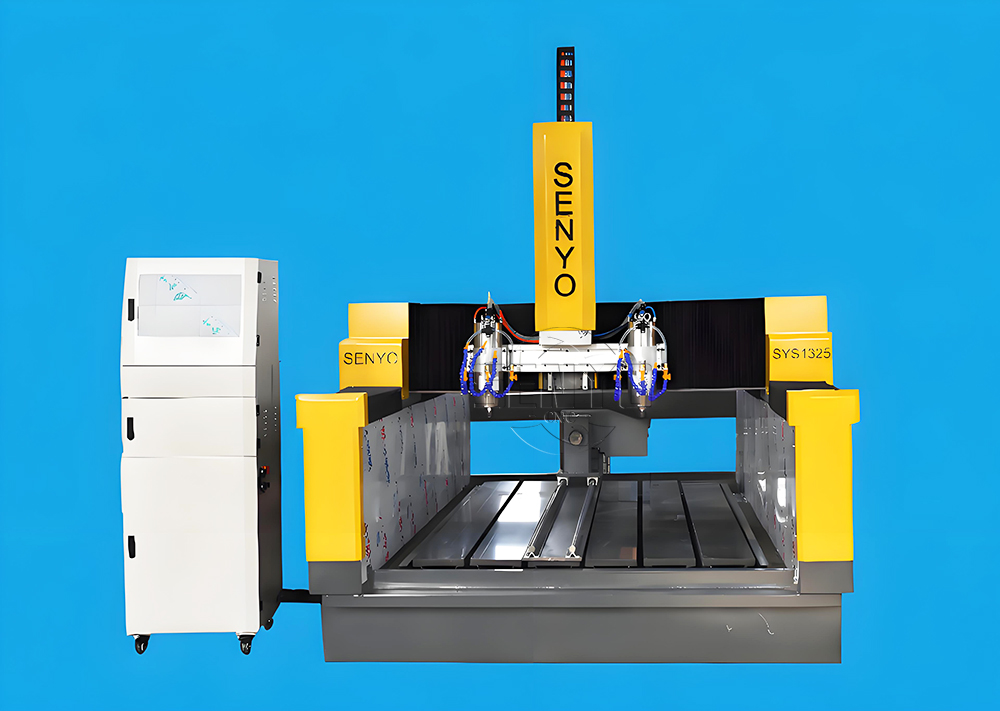
Best CNC 2 Spindle 4-AXIS Stone Carving Machine High-precision Stone Carving Stone Countertop Fabrication
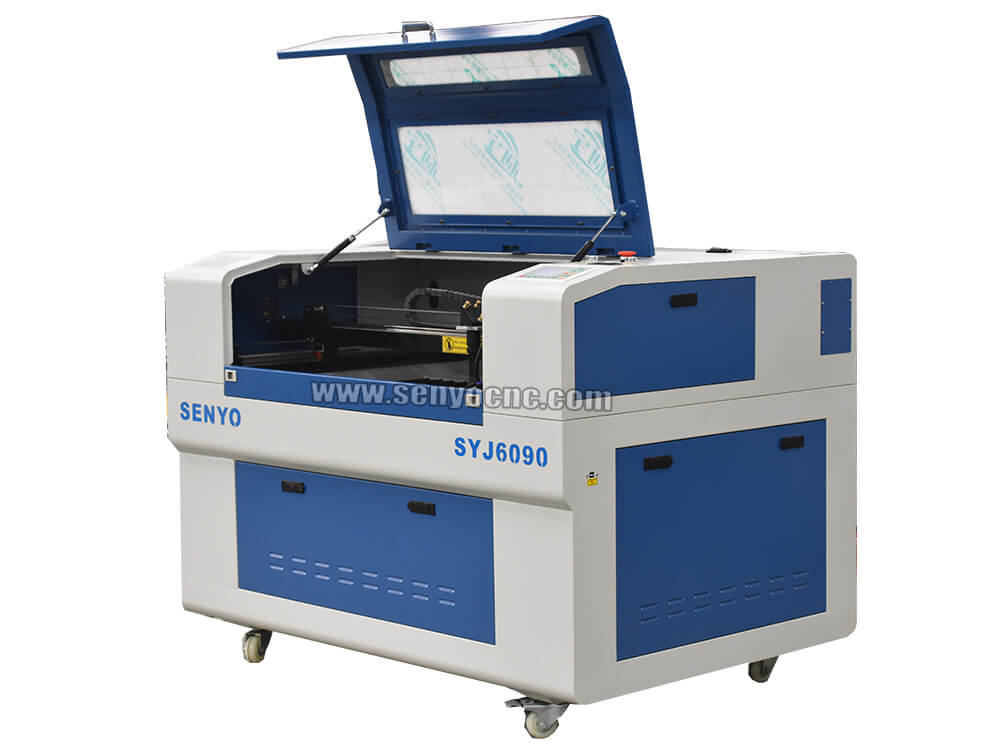
Top Rated 2x3 CO2 Hobby Laser Cutting Machine for Sale at Affordable Price
Best 4x8 CNC Plasma Cutter Table for Sale at Affordable Price
Entry Level CO2 Hobby Laser Cutter Machine for Beginners
Top CNC Plasma Cutters for Automotive, Aerospace, and Manufacturing Industries
Precision Stone Engraving Machines for Memorials & Signs
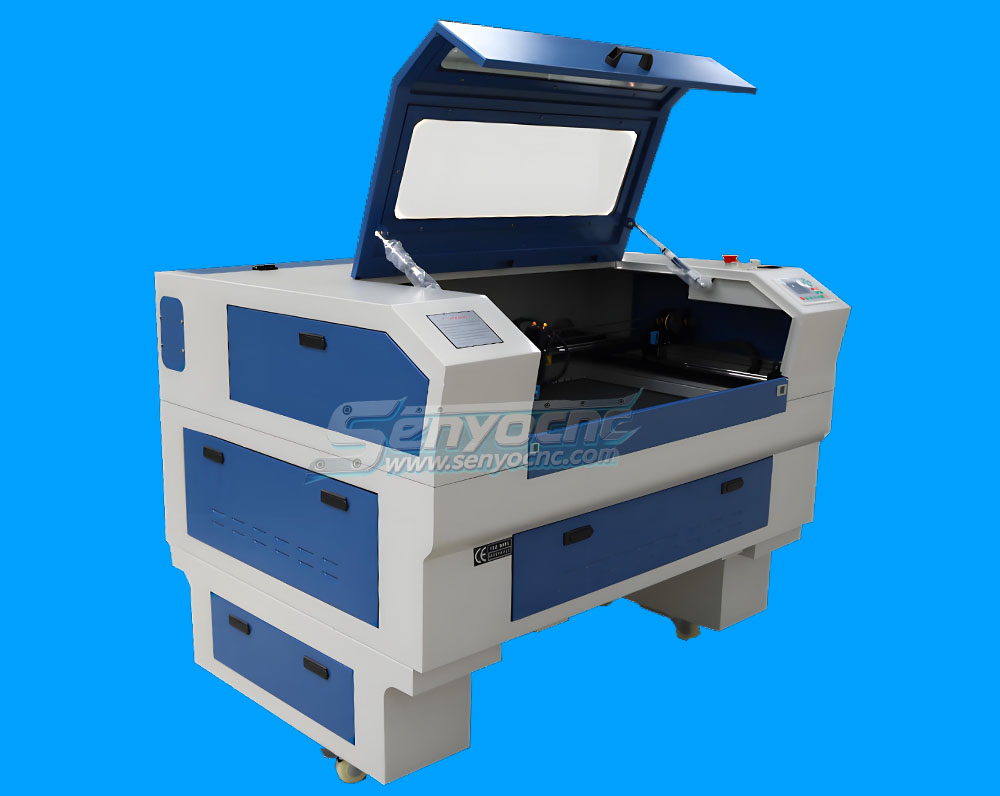
Portable Co2 9060 Laser Nonmetal Cutting Engraving Machine
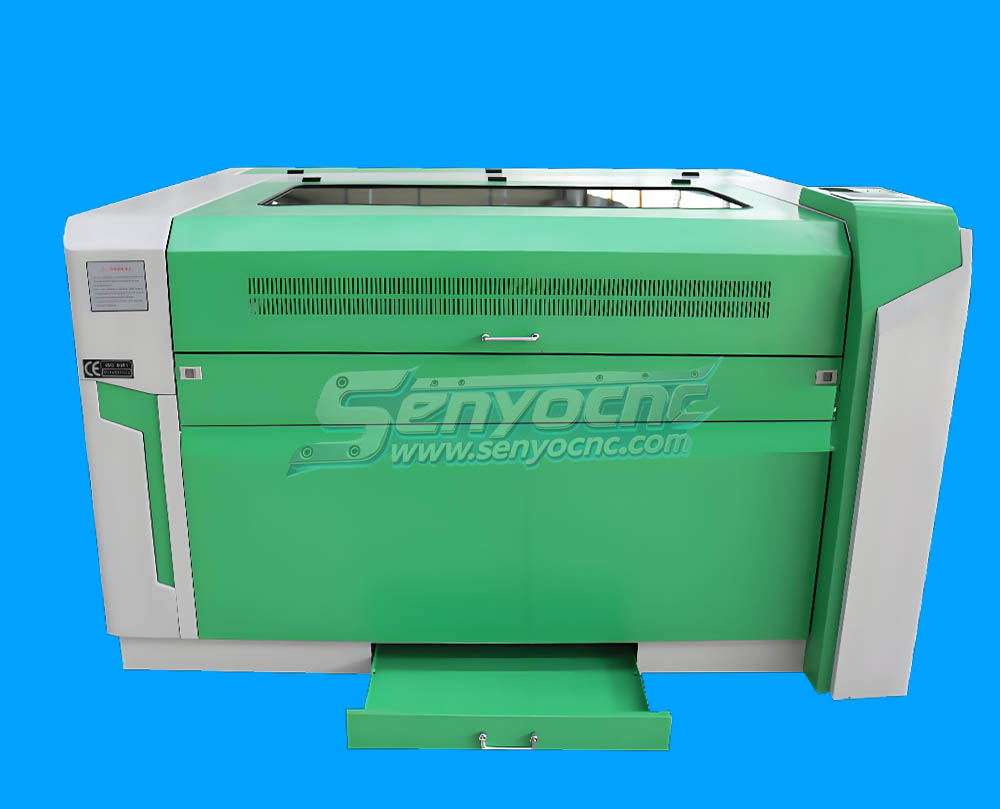
1090 CO2 Laser Machine with Ruida Controller for Non-metal Glass Acrylic Engraving Cutting
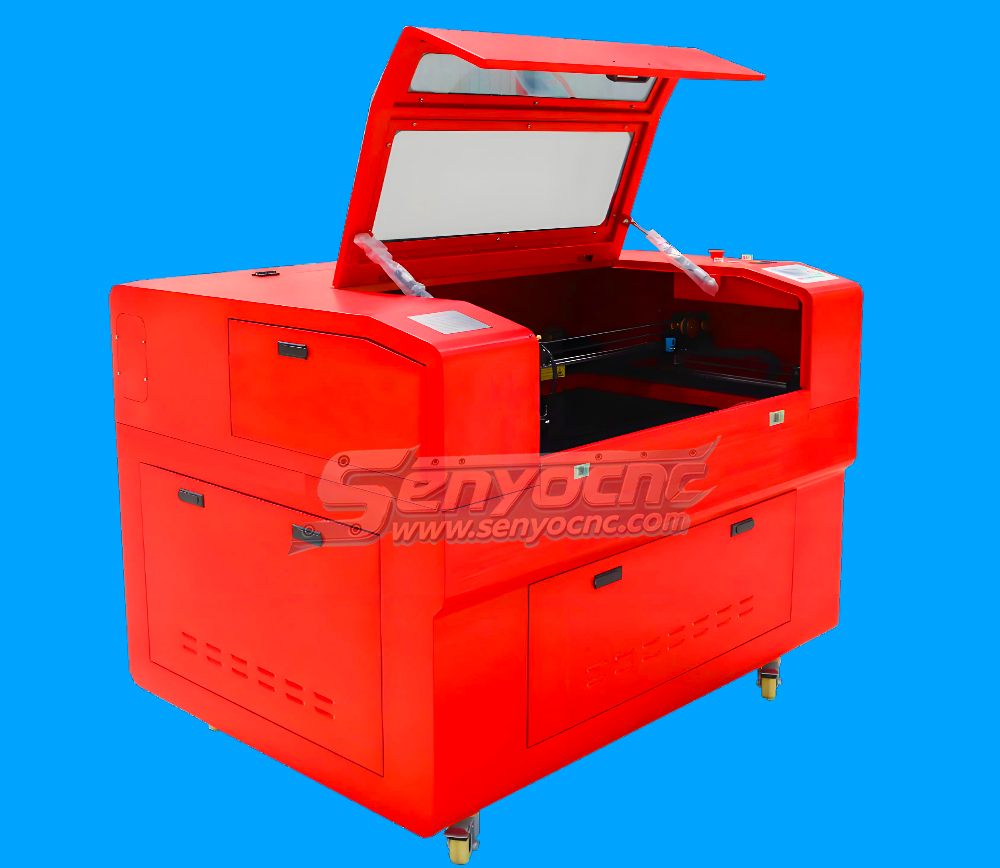
Entry Level 9060 CO2 Hobby Laser Cutter Machine for Beginners
The Apprentice Maze Puzzle Box
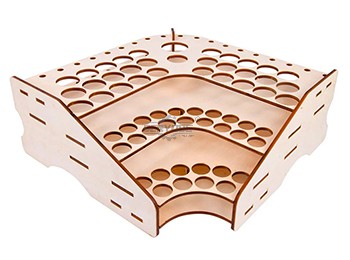
Box laser cutting software share
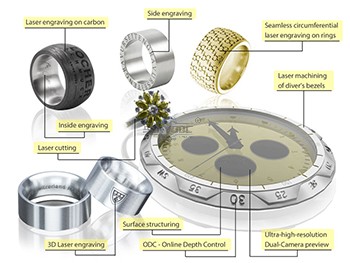
laser marking and engraving for the jewelry industry
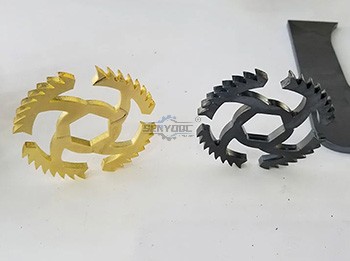
Copper cutting for fiber laser cutting machine
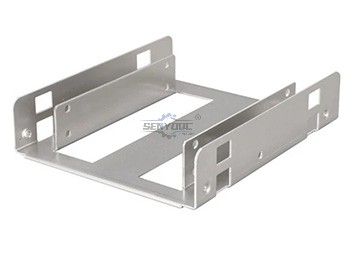
Aluminum Cutting for fiber laser cutting machine
CS Laser Cutting Factors that Affect the Process
Stainless steel Fiber Laser Cutting
2d&3d wood MDF carving and cutting
3D CNC Router for Stone Relief Carving Projects
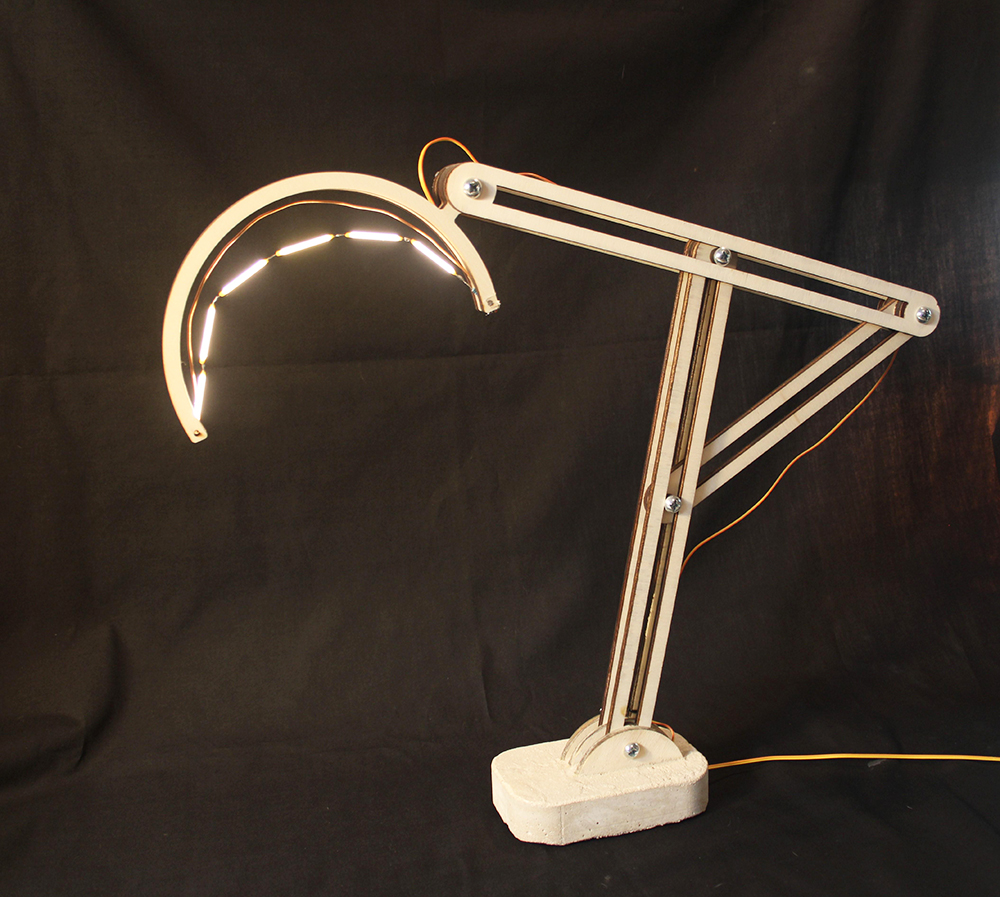
Laser Cut Adjustable Table Lamp
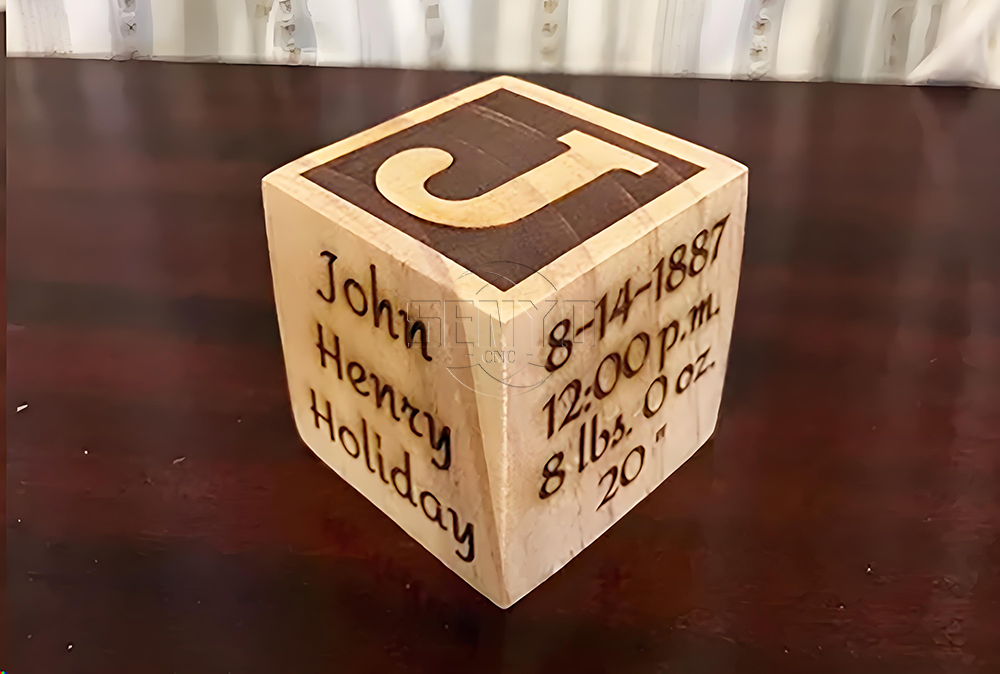
CO2 Laser cutting Baby Birth Block
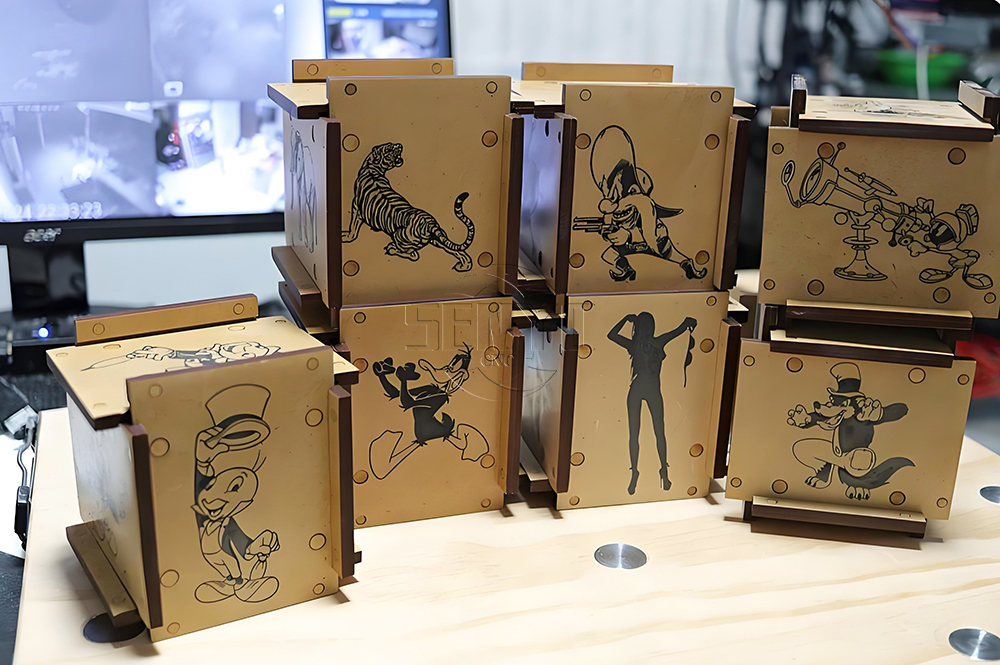
CO2 laser cutting and engraving for 6 Sided Box Puzzle
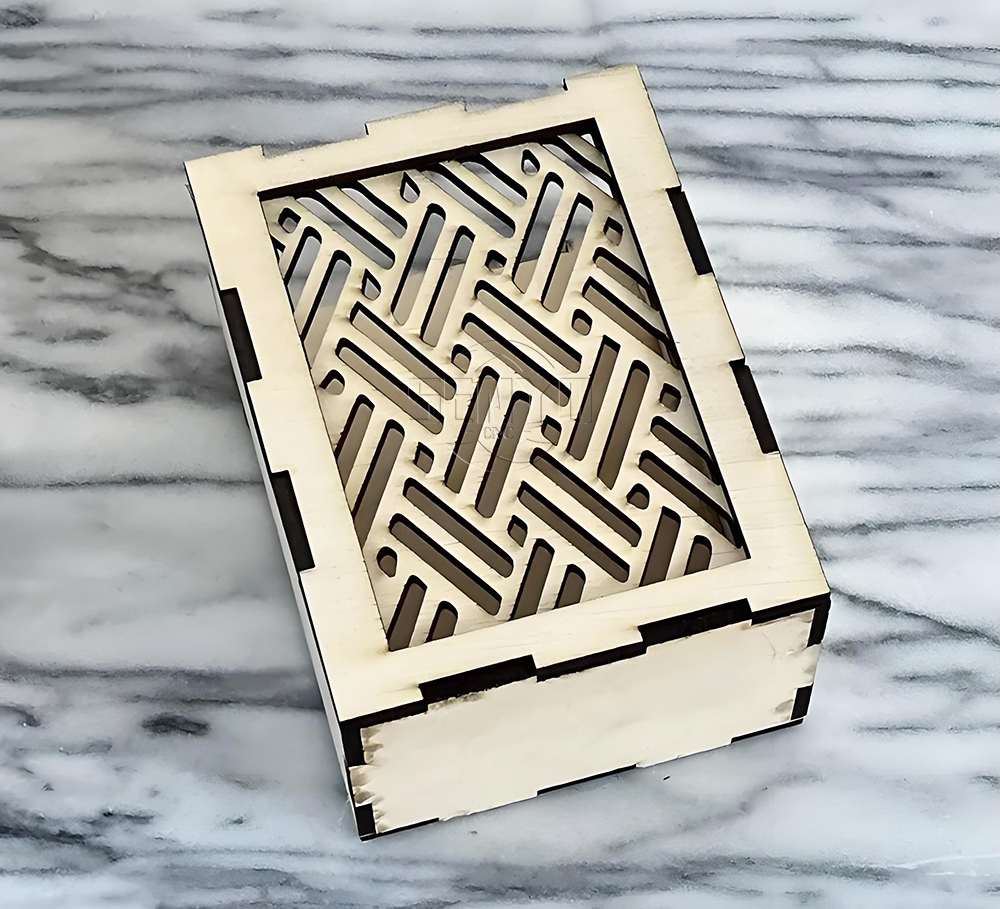
Co2 laser wood cut Illuminated Pattern Box
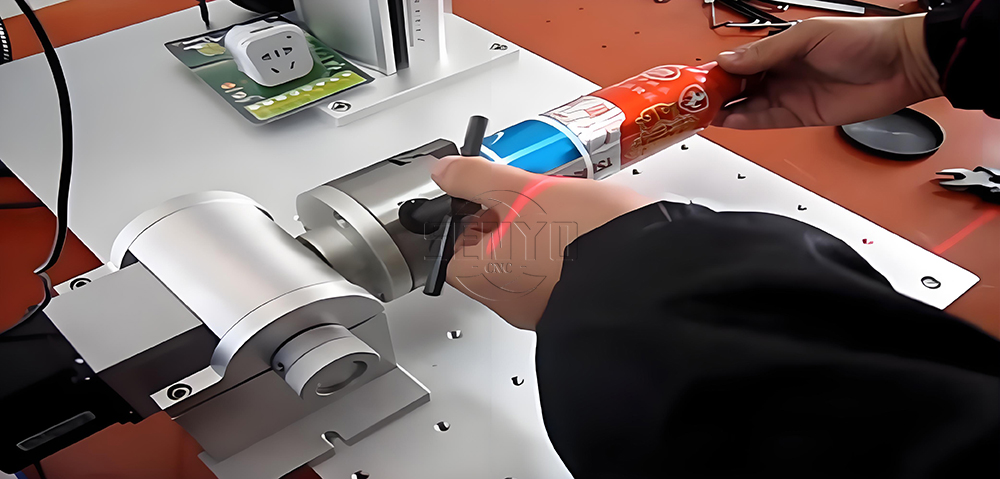
Engrave Round Parts With 50W Fiber Laser Marking Machine
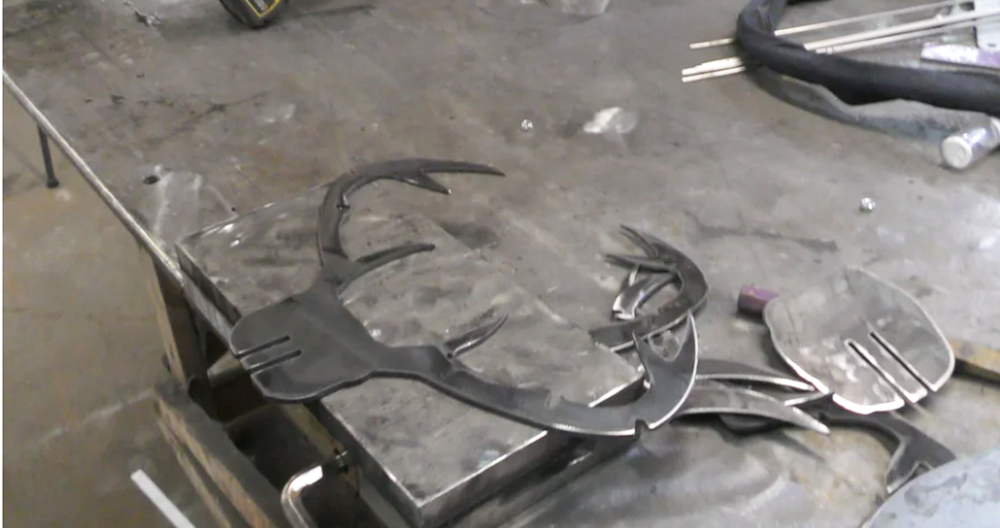
CNC Plasma Cut Deer Head
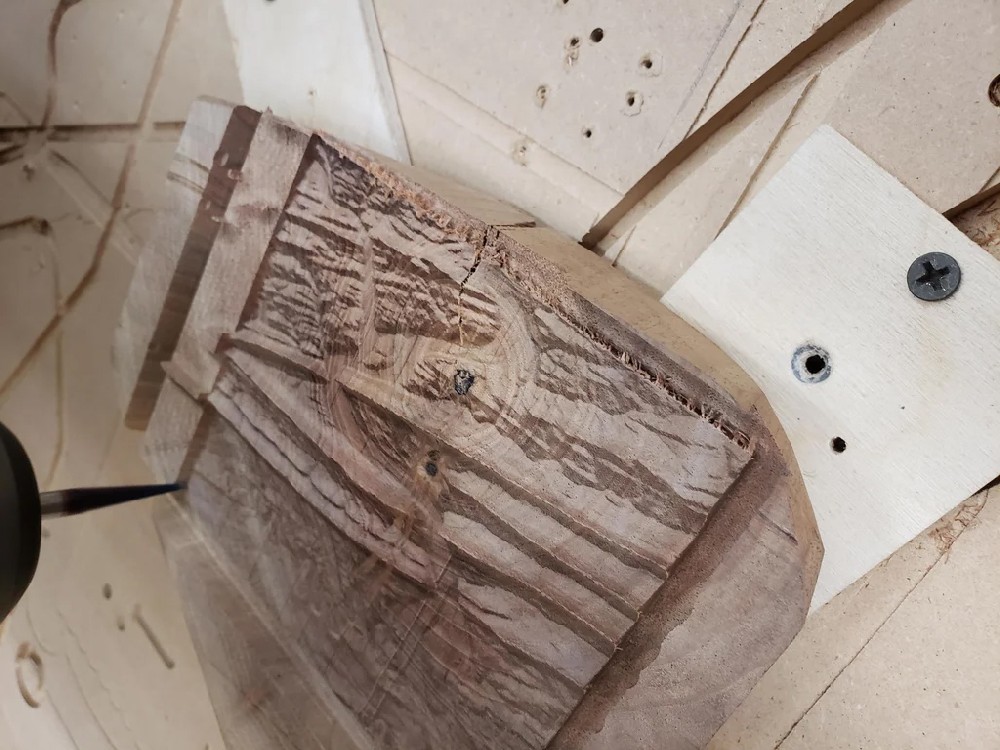
Relief Map on a CNC Router
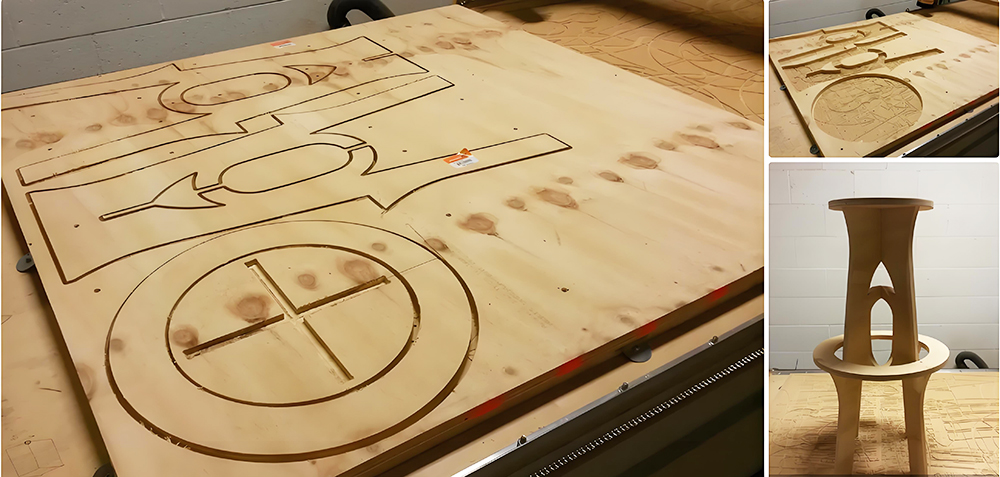
CNC Router Bar Stool
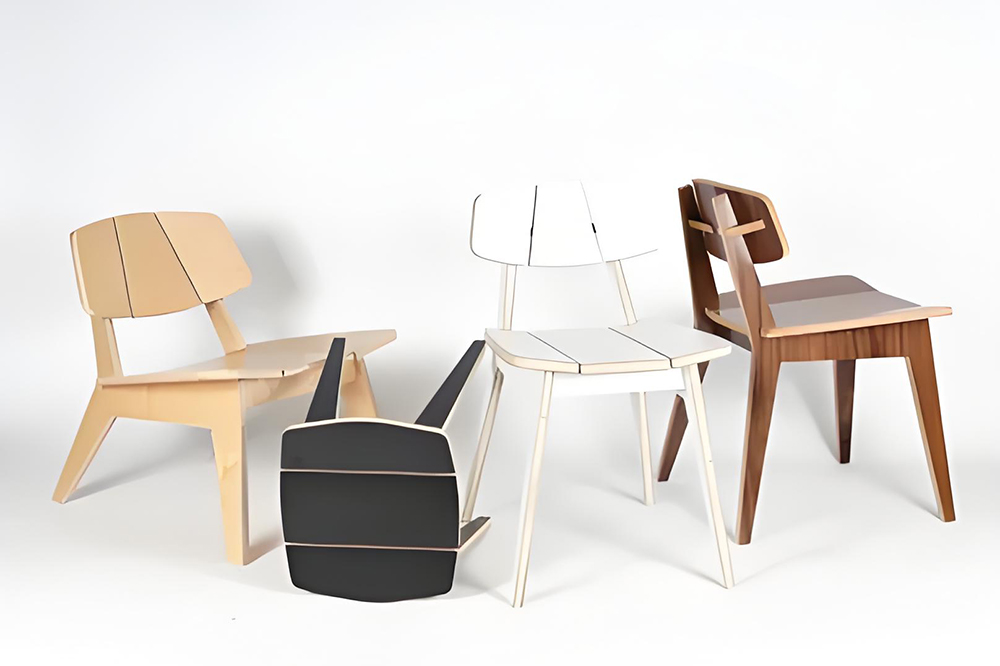
Wood Chair Made With CNC Router
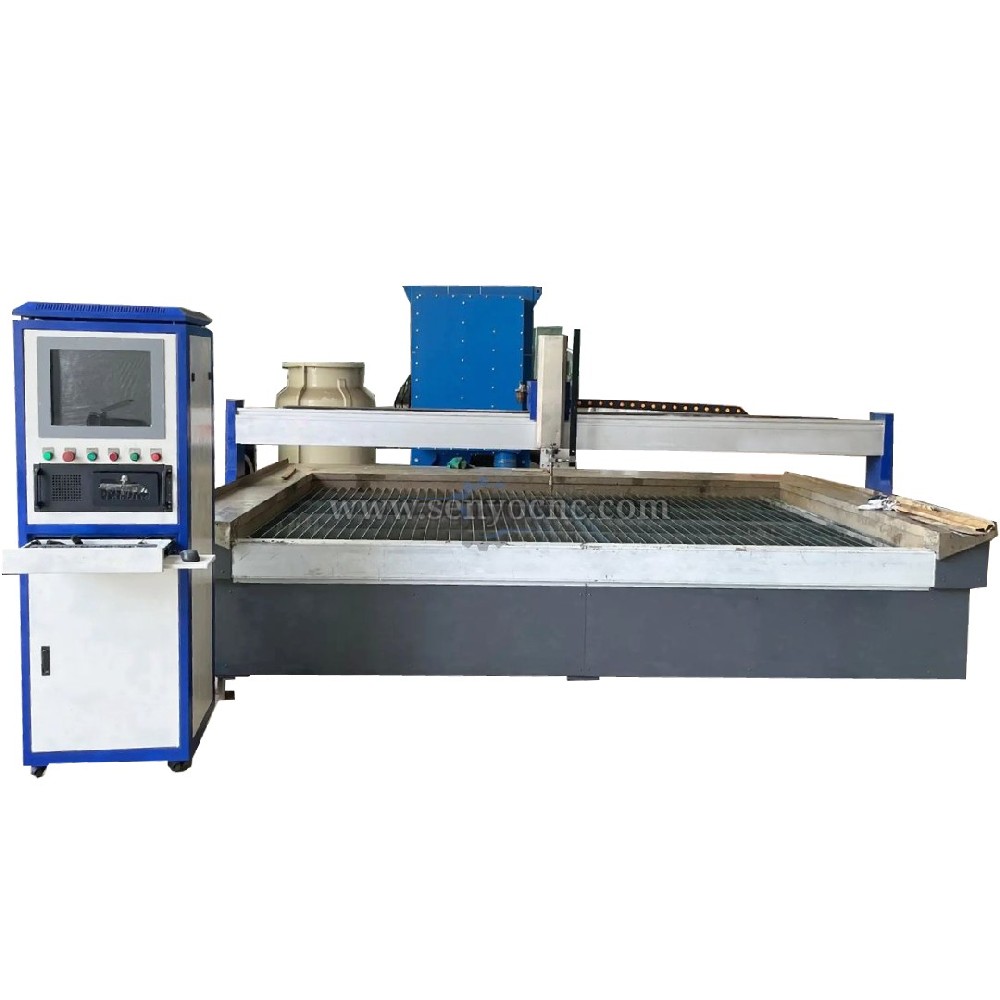
Competitive Price New Design Waterjet Machine 3 axis Cutting Machine

Typical industries that use waterjet technology
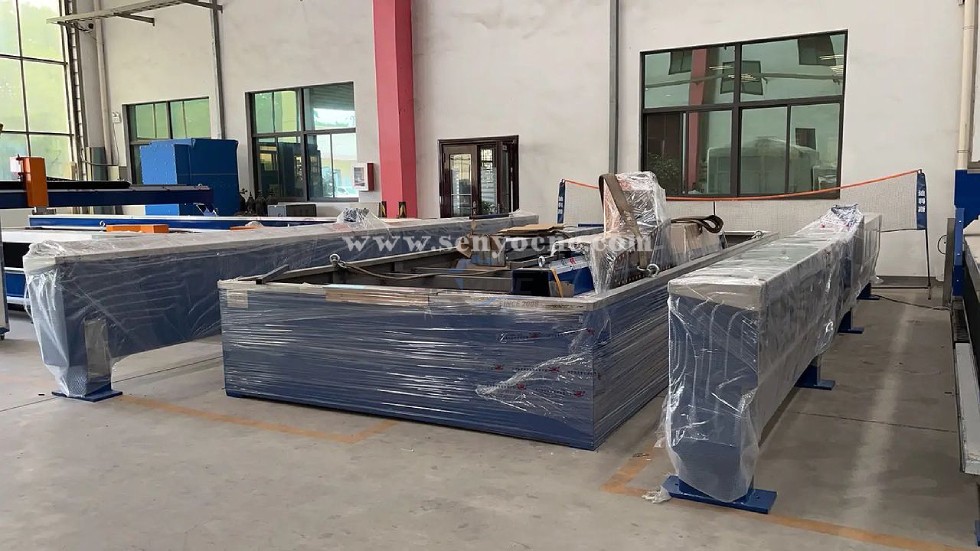
What main benefits to waterjet cutting ?
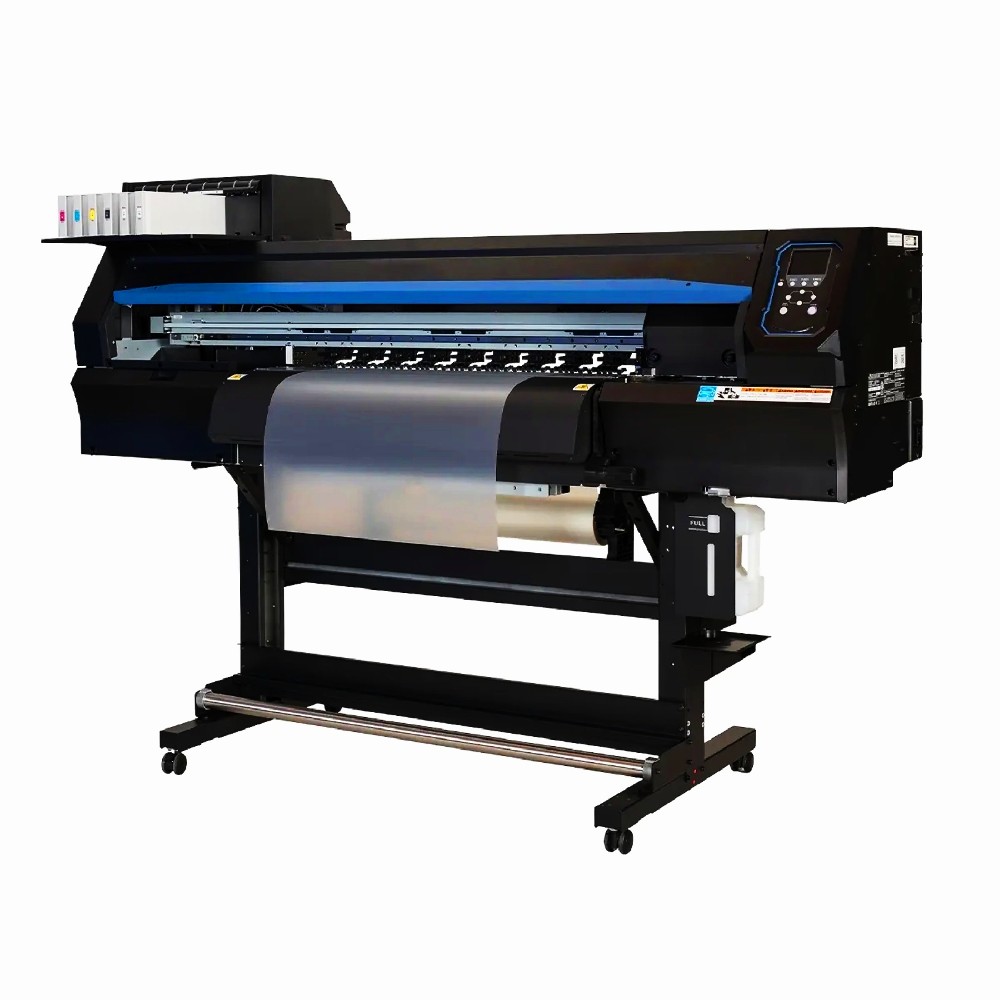
DTF Printer Machine Application
Typical fields of application
UV Laser Marking Machine For Glasses Engraving
GOLD Engraving -Fiber laser marking work
Sover Engraving -Fiber metal engraving and marking
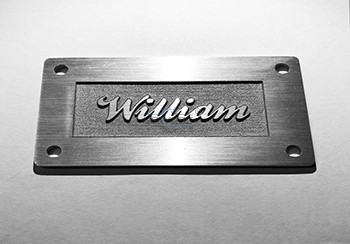
3D Marking Logo deep engraving -Fiber marking machine
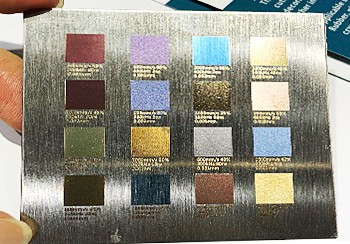
MOPA Fiber Laser Marking Machine Application and Samples
Fiber Laser Engraving and Marking Machine for Metalworking Projects
Stone shaft Rotary use engrave cnc router machine

Jacob from United States
I am a beginner at CNC, I’ve never used a CNC machine before and with in a day I was carving. An awesome machine for a beginner to learn as hobbyists. I used the manual and the help video. One hour to assemble and test, very friendly and easy to use. It’s a good buy for the money. I would definitely recommend this machine to someone getting into CNCs.
Weinstein from France
I've been using CNC plasma SYP2060-300A and I am very impressed with this unit.
This unit is of higher quality, made in China. Five stars all the way!
Marble CNC Engraving Machine SYS1560 from 🇫🇷 Pierre Martin | France
Our company works with marble for interior decoration, including engraved panels, customized signs, and ornamental stone products.
We wanted to introduce more digital processing into our workshop while retaining our existing stoneworking methods.
CNC engraving gives us flexibility when preparing designs with intricate lines and repeated decorative elements.
It is particularly useful for projects where customers require personalized designs reproduced according to specific layouts.
Fiber Laser Metal Cutting Machine from 🇹🇷 Ahmet Demir | Turkey
Our metalworking company processes sheet metal for industrial enclosures, brackets, and customized fabrication projects. We were looking for equipment that could handle digital cutting layouts and different component shapes. A fiber laser cutting machine can be suitable for this work when its power, working area, and material capacity match our requirements. The machine offers additional options for processing metal parts, and we emphasize correct setup and operator training.
SYM1325 Wood CNC Router from 🇺🇸 Michael Anderson | United States
We use this CNC router for cutting plywood, MDF, and solid wood panels in our furniture workshop.
The working area is suitable for standard-sized boards, reducing the need for repeated repositioning.
The machine supports our daily production tasks, including cutting cabinet components and engraving decorative patterns.
It has become a practical addition to our workshop, and we appreciate having
technical support available when questions arise.
SYJF50W Fiber Laser Marking Machine from 🇩🇪 Lukas Weber | Germany
Our company manufactures metal components that require identification numbers, logos, and product information.
A fiber laser marking machine provides a practical solution for marking compatible metal surfaces.
We use digital layouts to prepare different marking jobs, helping us organize production more systematically.
Choosing the correct parameters for each material is important, and the machine offers useful flexibility for product identification and customized branding.
SYM1530 CNC Router 4 Axis from 🇨🇱 Diego Morales — Chile
We use the machine for wooden prototypes, decorative parts and 3D models. The 4-axis capability allows us to create shapes that were difficult to produce before.
SYM1325 CNC ATC Router from 🇳🇱 Pieter Jansen — Netherlands
Our production includes cabinet doors, MDF panels and solid wood components. The automatic tool changer makes repeated production much more convenient.
SYJ1325H CO2 Laser Cutter from 🇵🇹 Tiago Costa — Portugal
We use the laser mainly for acrylic letters and display products. The cutting edges are smooth and the machine is easy for our operators to handle.
SYS1530 CNC Marble Engraving Machine from 🇬🇷 Nikos Papadopoulos — Greece
We purchased the machine for marble signs and personalized monuments. Portrait engraving and lettering are much faster compared with our previous manual process.


 manager@senyocnc.com
 SENYOCNC
 +86 1525 3141 880
 +86 1525 3141 880
 2061579344
