



How Install and use EZCAD software for Laser Marking Machine ?
From: 本站 Date: 01st September 2021 Author: shengangtong Views: 2506
What is EZCAD?
EZCAD is a smart software for laser marking system, which is used on 32 bit or 64 bit operating system of Windows
XP, Windows 7, Windows 8 and Windows 10. EZCAD will drive the USB control board for laser marking machine to
mark text, patterns, and photos on the surface of object.
 EZCAD-Software-for-Laser-Marking-Systems.pdf
Features
1. Users can design their graphics freely.
2. Various types of fonts are supported. Such as TrueType, SHX, JSF (Single line font defined by EZCAD),
DMF(Dot Matrix Font), One- Dimensional bar code, Two-Dimensional bar code, and so on).
3. Flexible variable text: changes the text real time while in laser processing. Excel datasheet is supported.
4. Can through the serial port direct read text data.
5. Can through the network direct read text data.
6. Strong node editing function make the curve modification more easier.
7. The software can support 265 "pencils" , which used to draw graphic and can be set different processing
parameters.
8. Common types of images are supported. (bmp, jpg, gif, tga, png, tif, etc.)
9. Common vector images are supported (ai, dxf, dst, plt, etc.).
10. Image processing (Grayscale, White 1 Black Transformations).
11. Powerful hatching functions, such as support round hatch.
12. More convenient I0 operations and more easier to harmonize the auxiliary equipments.
13. Supports the dynamic focus (3 axis processing system).
14. Supports directly the SPI G3 fiber laser and the newest IPG_ YLP and IPG_ _YLPM fiber laser.
15. An opening language supporting system makes it easy to run the software in various languages platform.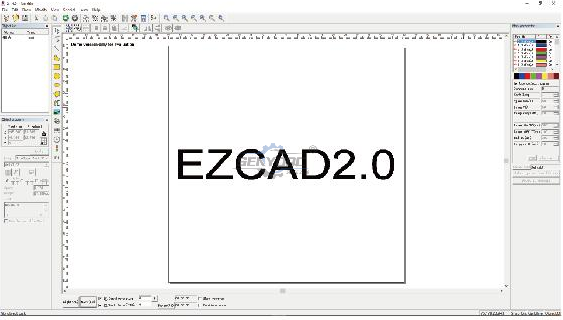
Installation
How to intsall EZCAD software for your laser marking machine?
The EZCAD software can run on a laptop or PC with 900MHz CPU and 256MB RAM at least. In general, we
recommend the fastest laptop or PC available. EZCAD was developed in Microsoft Windows XP and will run in
Windows XP, Windows 7, Windows 8 and Windows10.
The installation of EZCAD is very easy. You just need to copy EZCAD folder that is in the Install CD to hard disk,
and then double click the EZCAD.exe under the EZCAD's directory to run the software.
EZCAD requires a software security device sometimes. This device plugs into the USB port on the computer. If
there is no dongle or the dongle do not install correctly, a caution will appears and the sofware will work at demo
state. In demo state, we can evaluate the software but we can't save files and can't control the laser marking
machine.
Step 1. Copy the contents of the USB drive, EZCAD sofware folder to your computer. Note the additional files and
folders within the EZCAD folder.
Step 2. Make sure the USB cable is connected from the back of the laser control unit to your computer's "'My
Documents", and the laser power key is turned on.
Step 3. With the mouse, left click on the windows start icon, and left click on devices and printers. You should see
and unspeified device, USBL MCV2 with a yellow warning button.
Step 4. Right click on USBLMCV2 and select properties. On the hardware tab, select laser mark control board, click
properties, select the drivers tab. Click update driver and select manual search. Browse to My Documents > EZCAD
> Drivers. Select either the 32 or 64 bit folder that fts your computer. Your system should respond that driver has
been updated successfully.
Note. You can find out this information about your computer by going to Start > Control Panel > System.
Open the EZCAD folder. In the EZCAD folder you should see a file EZCAD. Right click on the EZCAD application
file and select copy. Right click on your desktop and select paste shortcut. You can then use the shortcut to open
the software and get started laser making creative and profitable items.


• Previous: Weiihong NCstudio Machine Version Controller
• Next: How to Install and Setup Mach3 CNC Controller Software ?
Mini Desktop CNC Router for Gifts Making Small Business
Best Granite marble manual polishing machine For Sale
Stone Processing CNC Equipment Automatic Tool Changer CNC Quartz Stone Machining
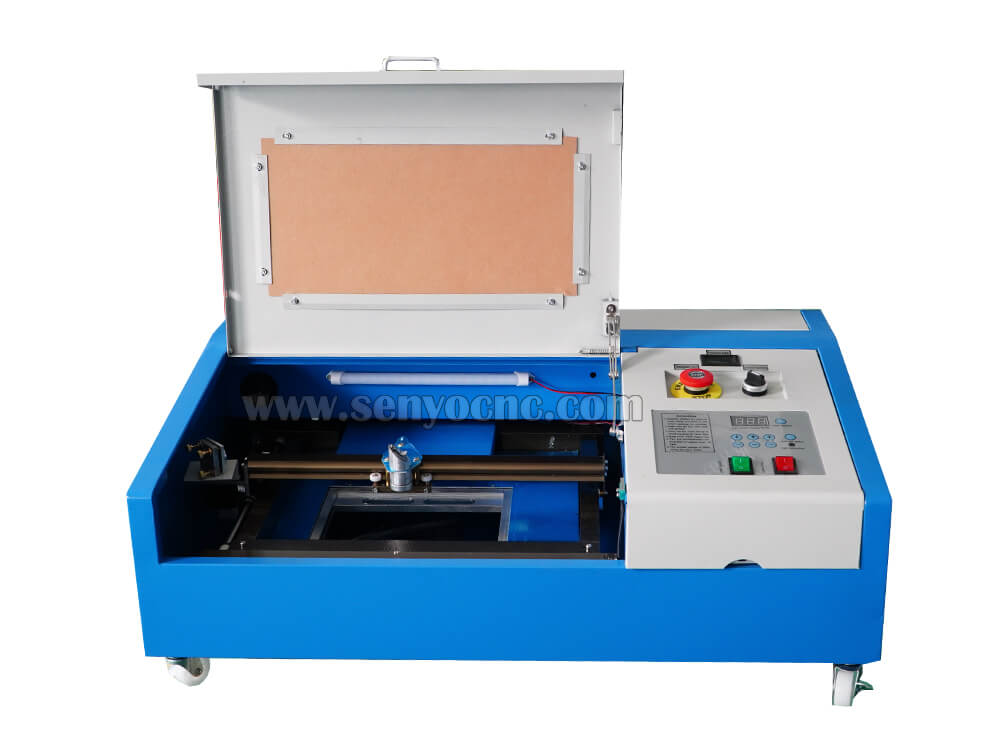
3020 40W Mini CO2 Laser Engraving Cutting Machine
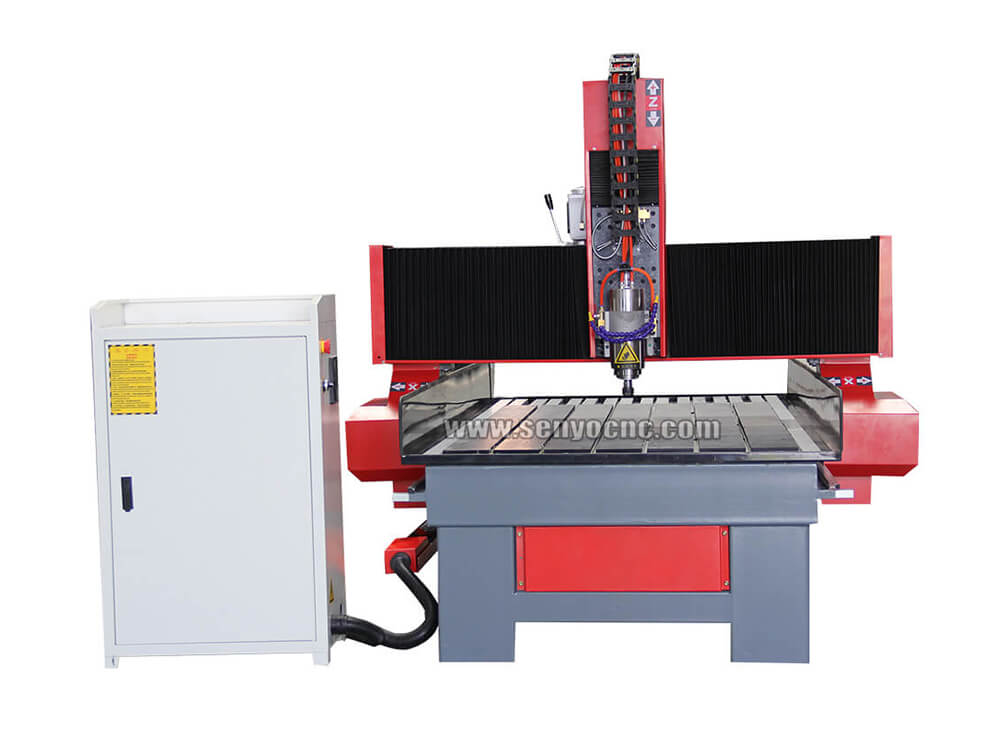
New Design Mini Stone CNC Machine for Marble, Granite and Quartz
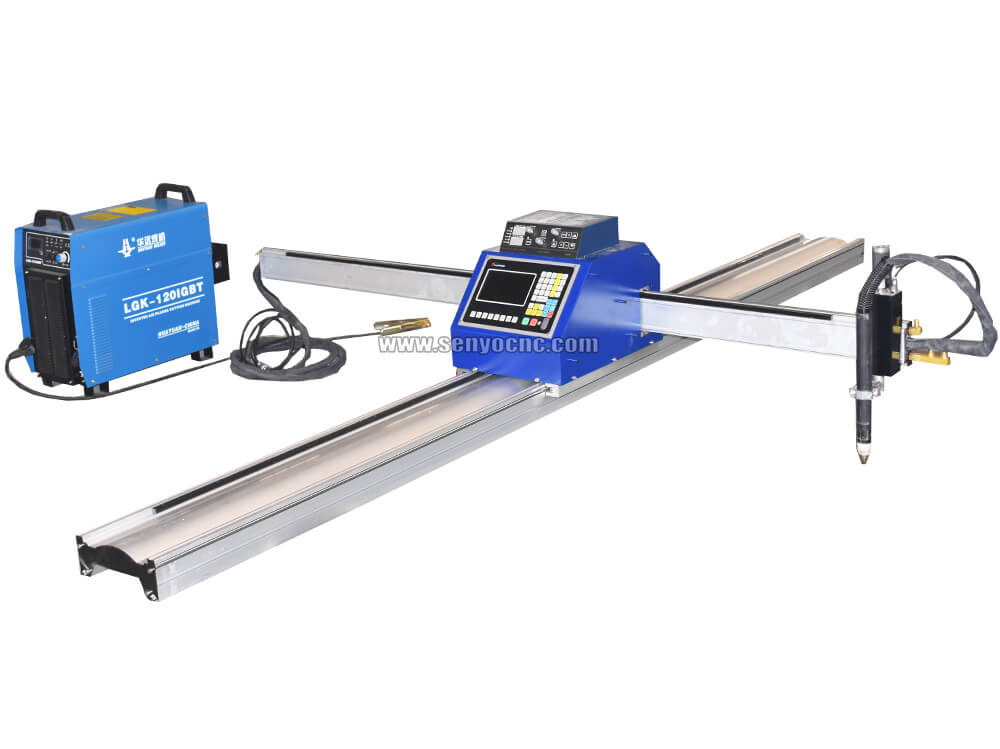
Portable CNC Flame Cutting Machine with Plasma Torch for Sale
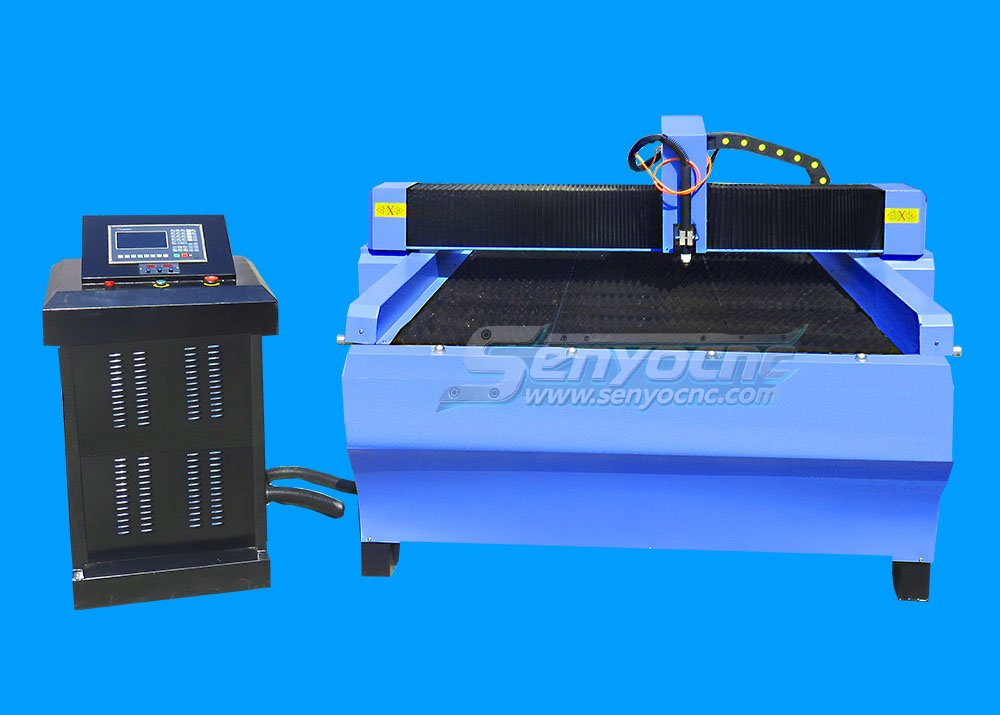
High-Precision Mini Hobby CNC Plasma Cutting Machine for Metal
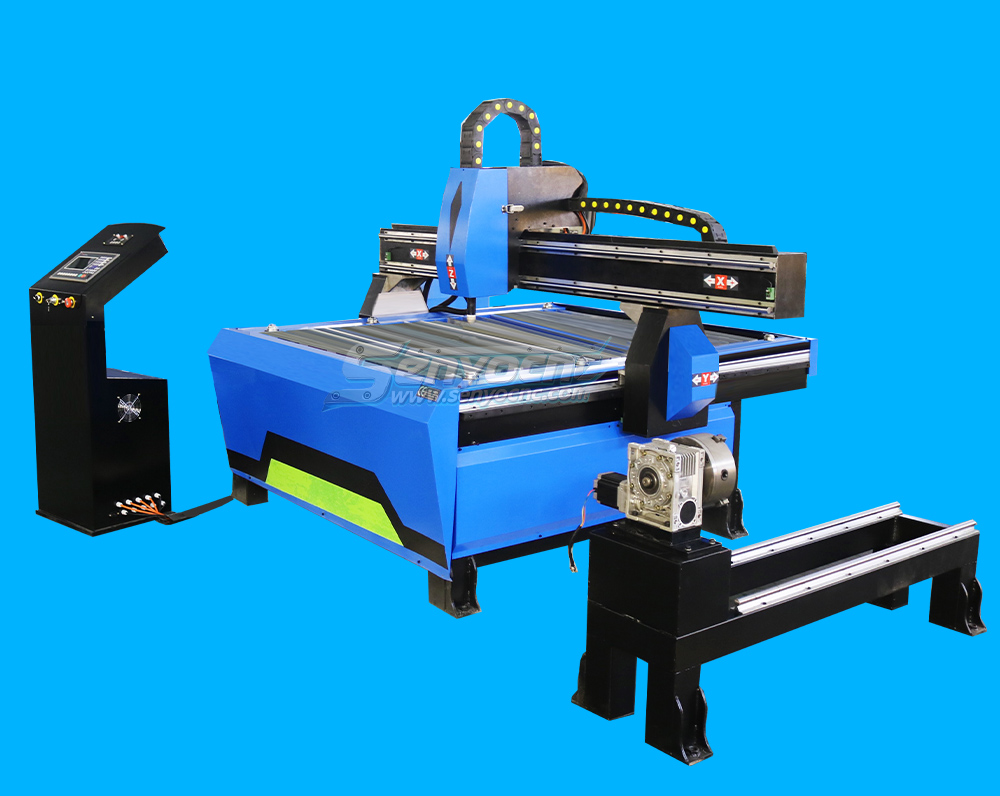
Mini CNC Plasma Cutter With Rotary
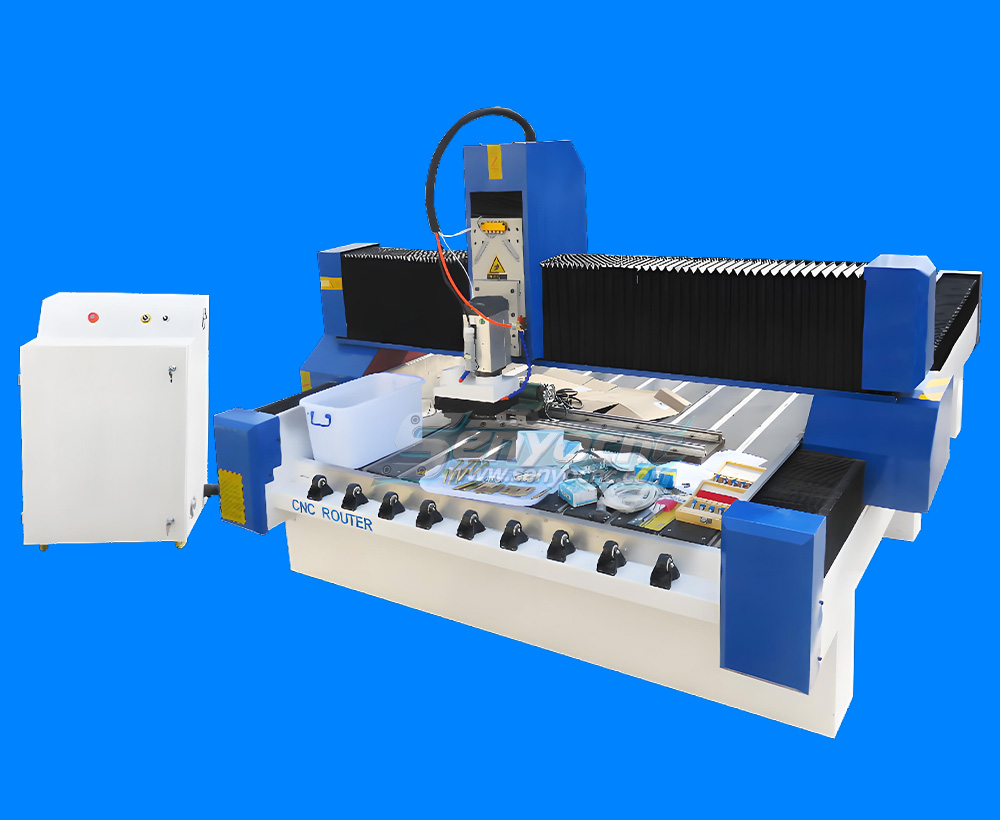
4 Axis 1325 Sculpture Machine Cnc Carving Marble Granite Stone Cnc Router
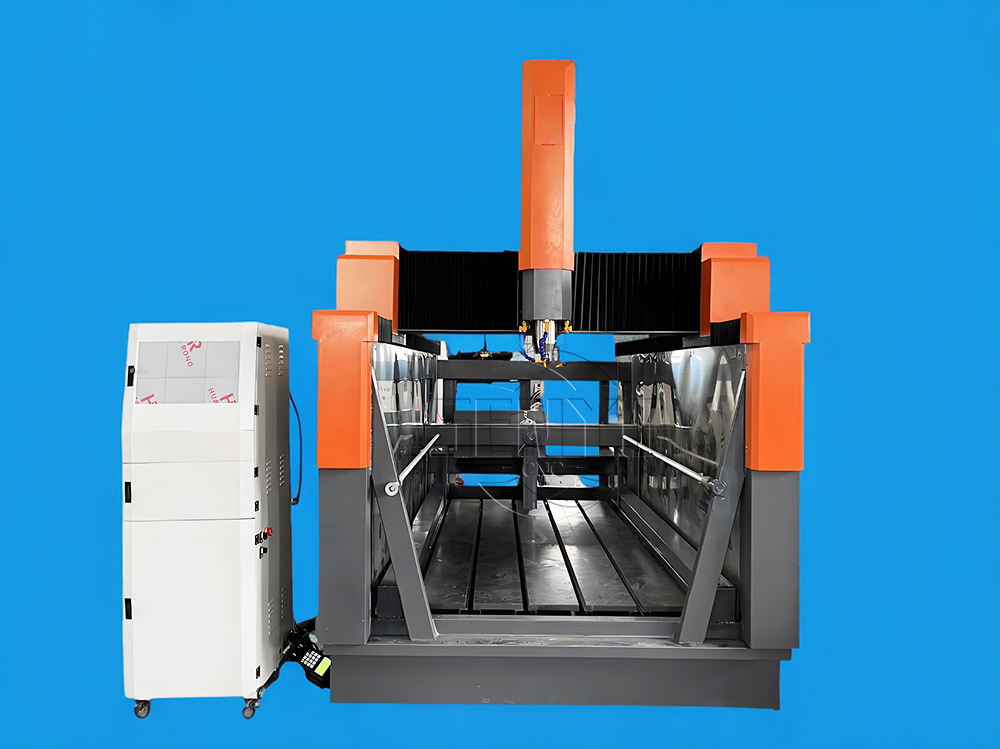
Z Height 1000MM 4-AXIS Stone Engraving CNC Machine Heavy-duty Stone CNC Machine Stone Relief Carving CNC For Sale
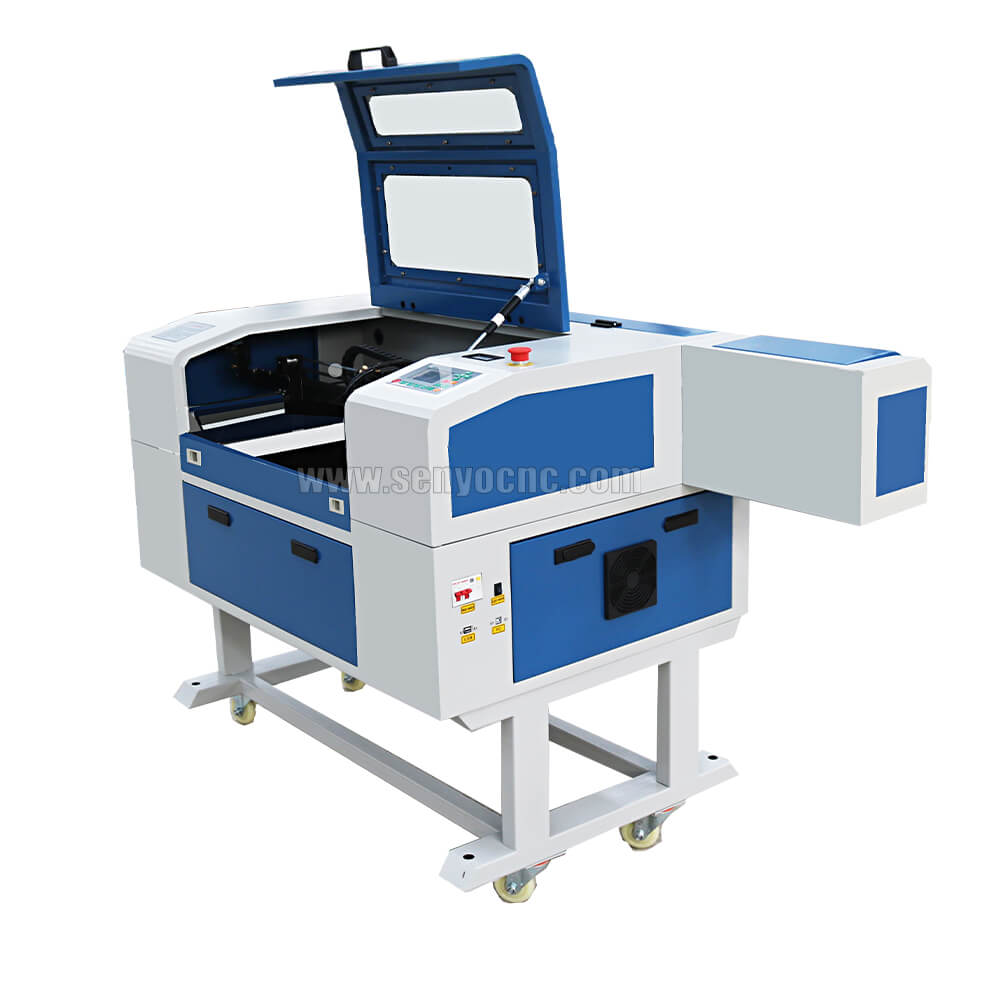
4030 portable mini co2 laser carving and desktop rubber stamp laser engraving machine
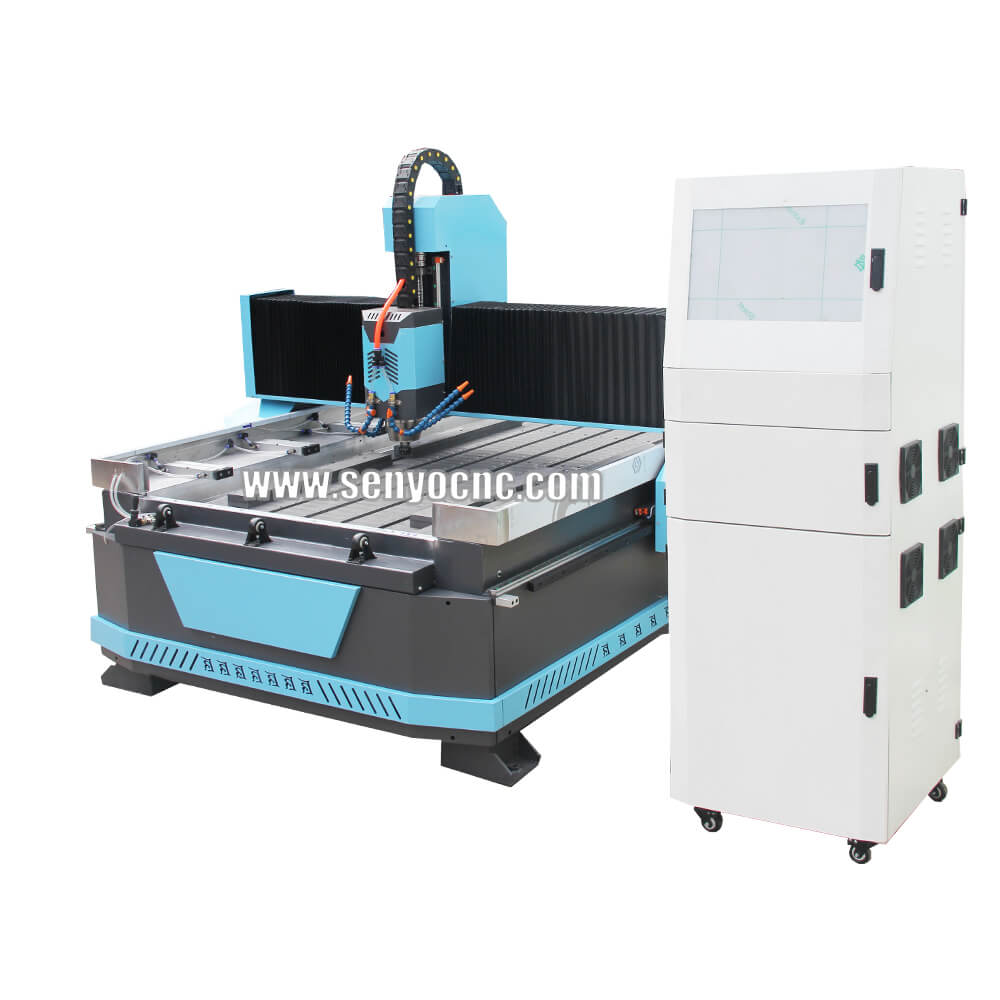
Stone CNC Router For Kitchen sink tile carving and cutting Marble, Granite and Quartz
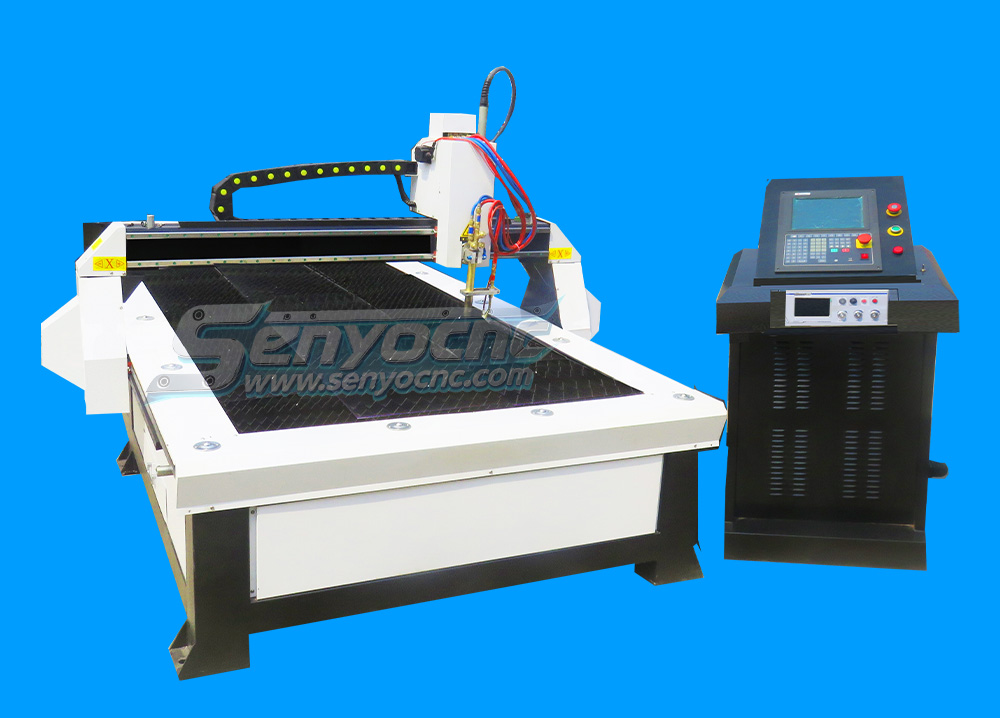
Robust CNC Plasma Cutting Machines with Flame Cut Head for Heavy-Duty Industrial Use
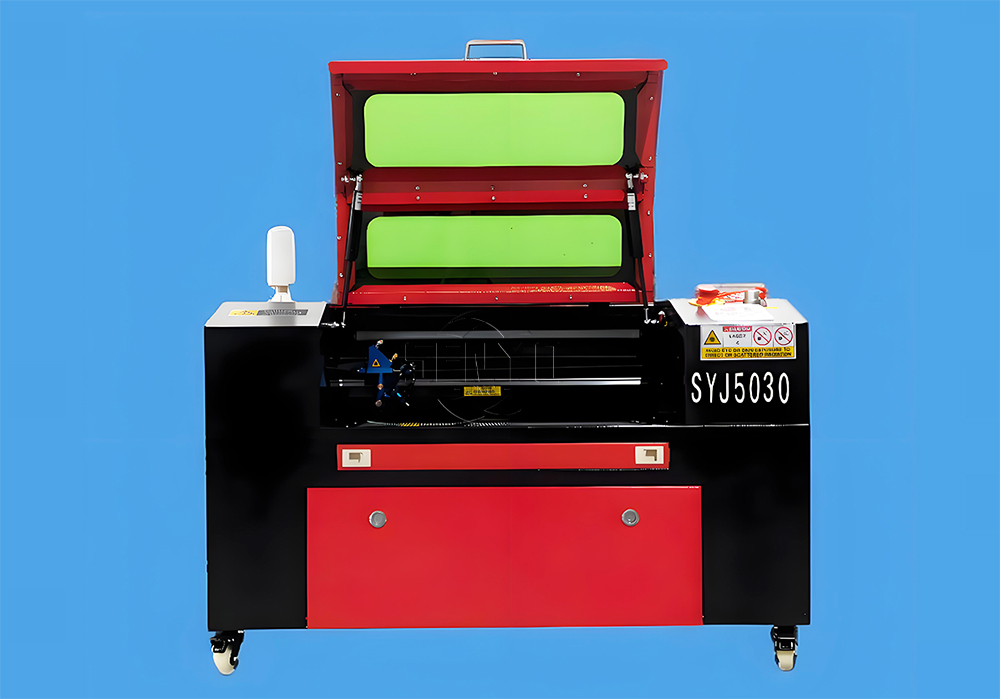
Small Portable CO₂ Laser Cutter Engraving for DIY & Business – Ideal for Wood, Acrylic, Leather
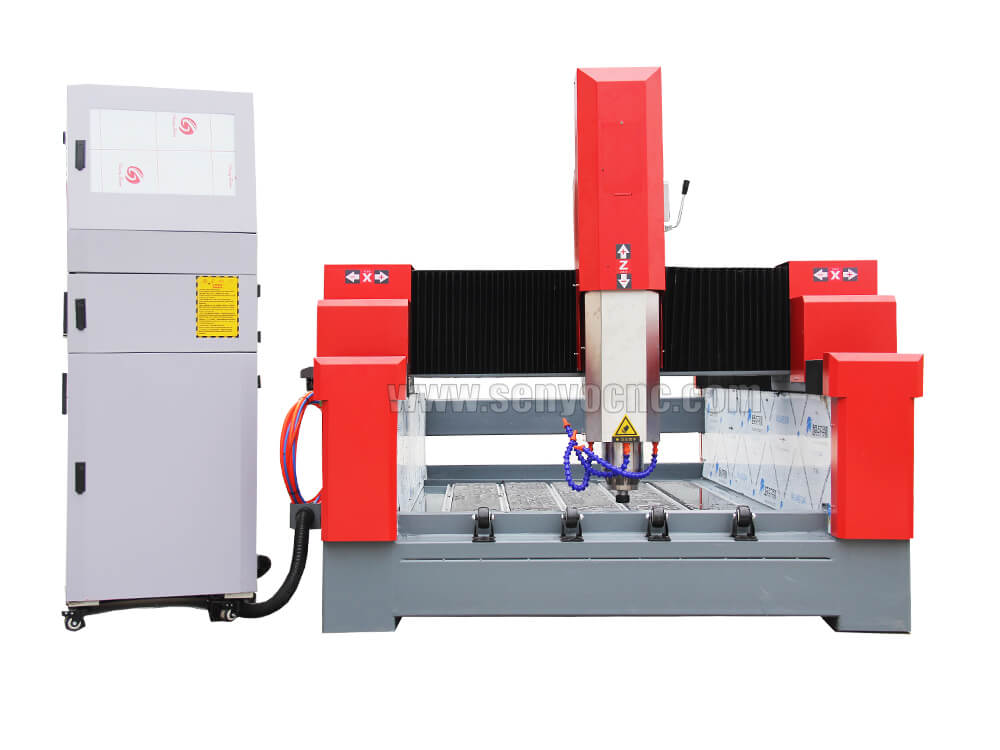
1325 3 Axis 4x8 CNC Stone Router for Sale
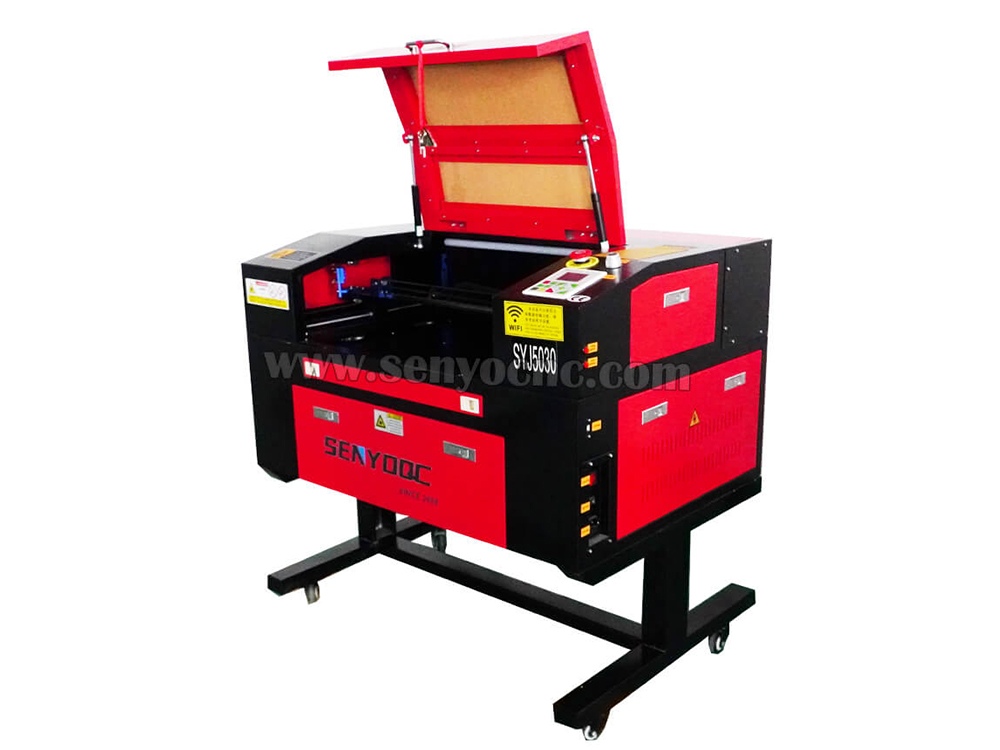
Mini CO2 Laser 5030 Cutting Engraving Machine For Sale
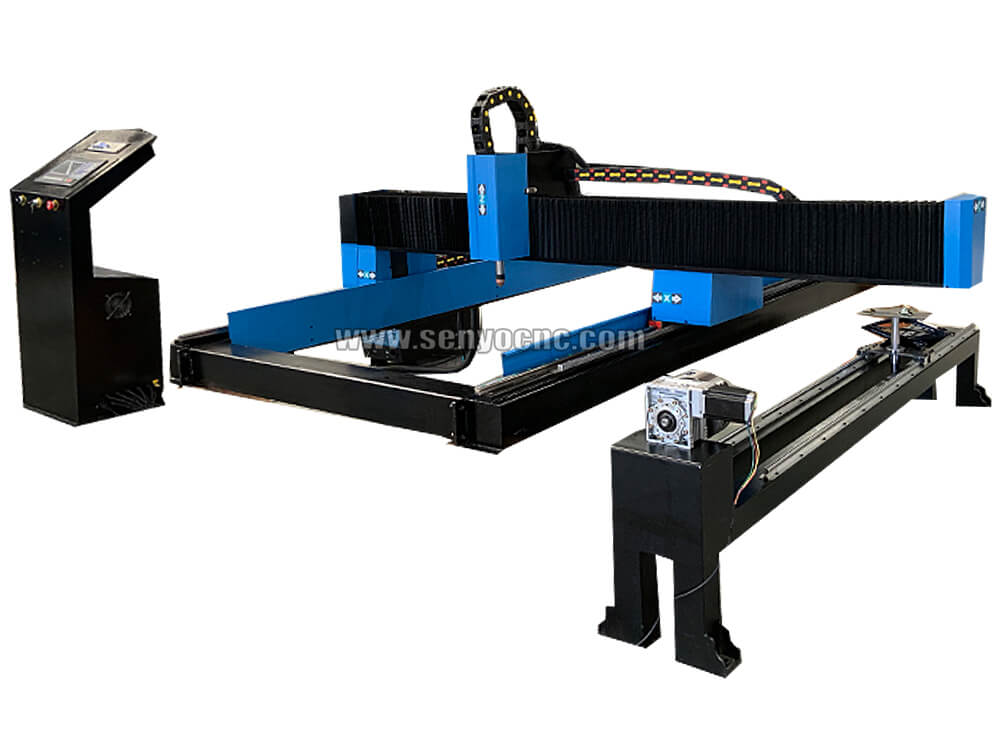
Portable CNC Plasma Flame Cutting Machine for Sale at Cost Price
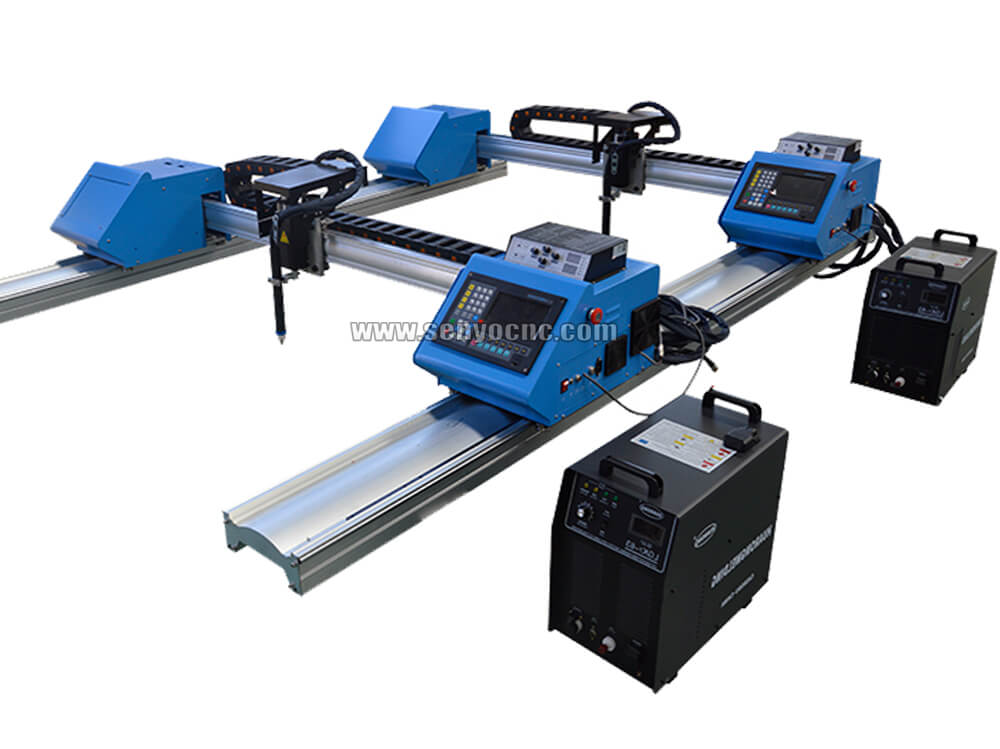
Portable Cnc Plasma Oxyfuel Sheet Metal Cutting Machine for sale
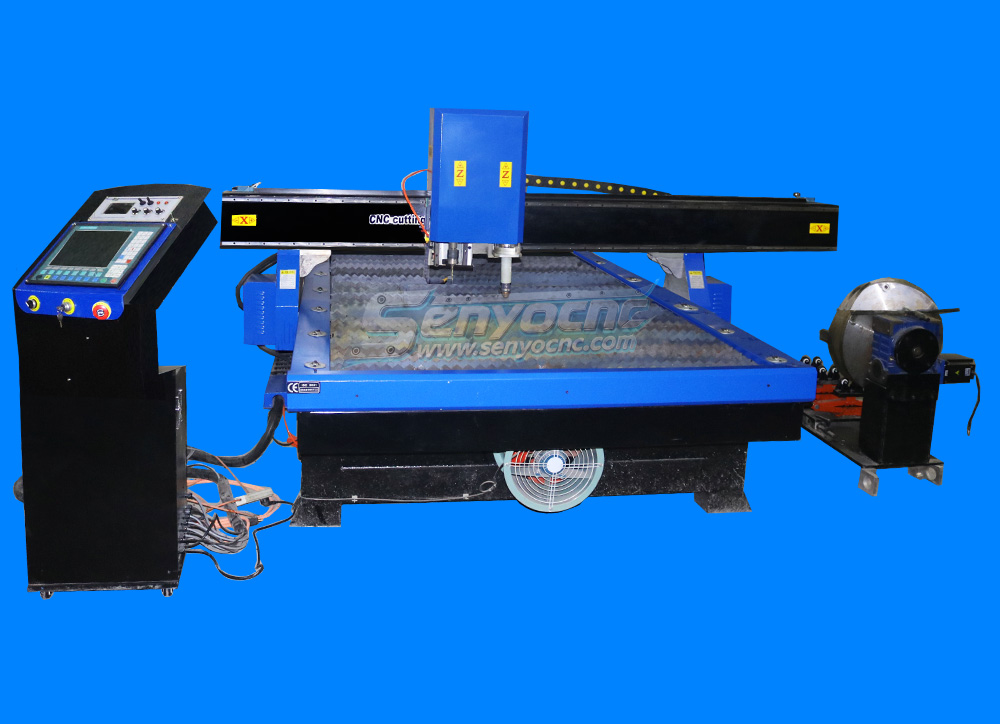
CNC Plasma Cutters for Customized Metalwork –Rotary&Drilling Head
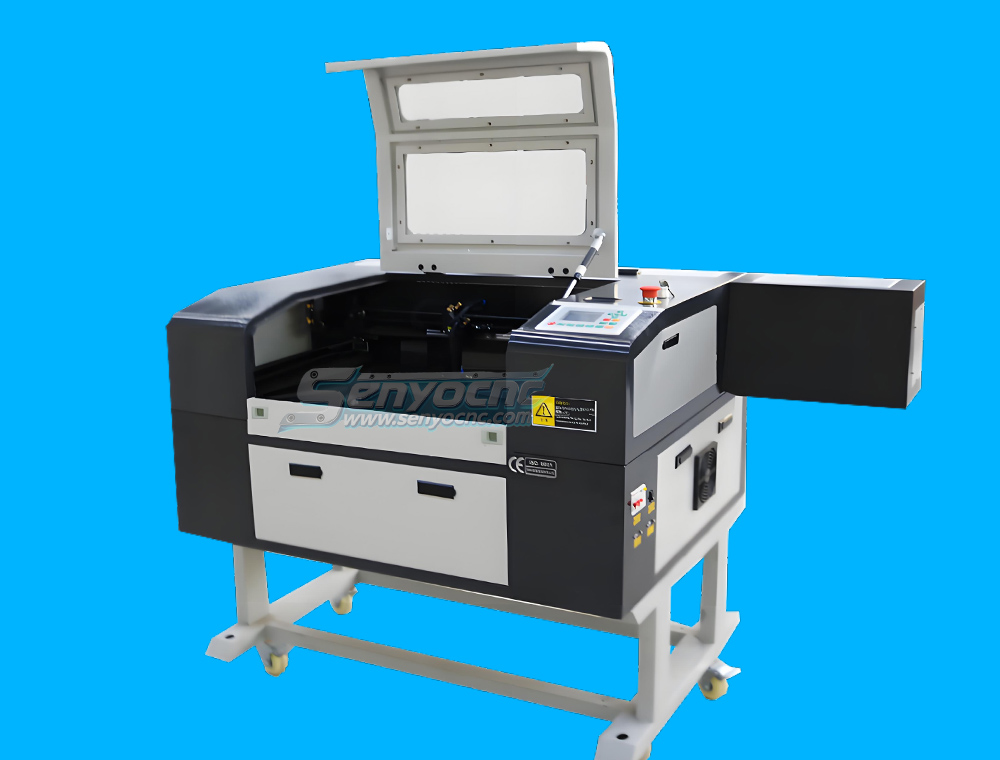
Small Table design 6040 Easy Move CO2 Hobby Laser Cutter Machine for Beginners
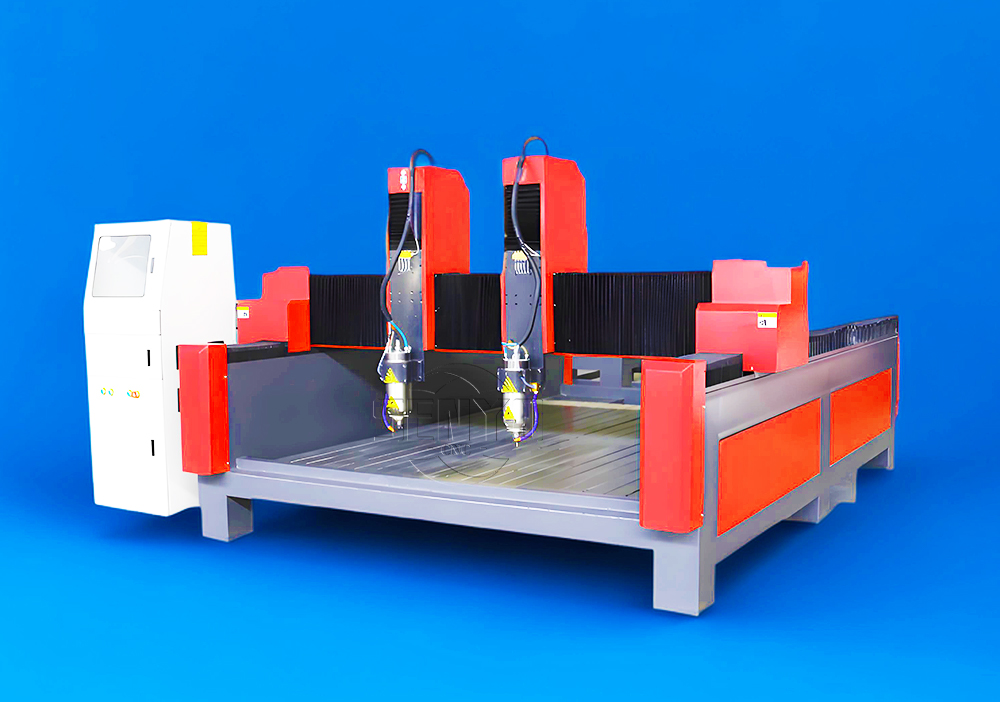
High-Efficiency 2 Heads CNC Machine for Aluminum Stone Marble Engraving & Cutting
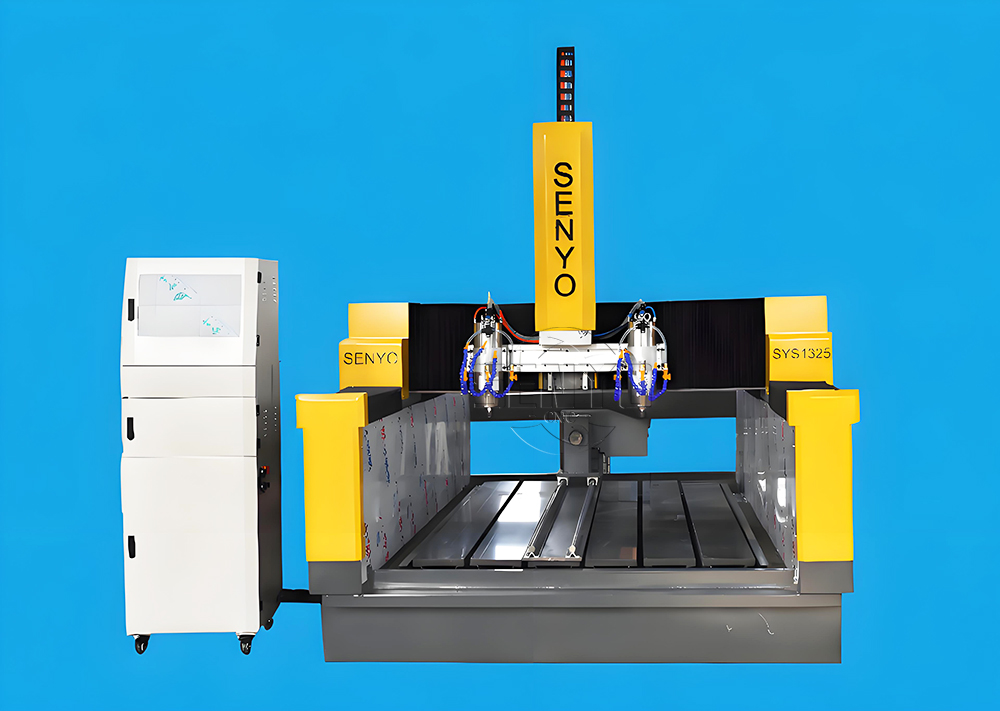
Best CNC 2 Spindle 4-AXIS Stone Carving Machine High-precision Stone Carving Stone Countertop Fabrication
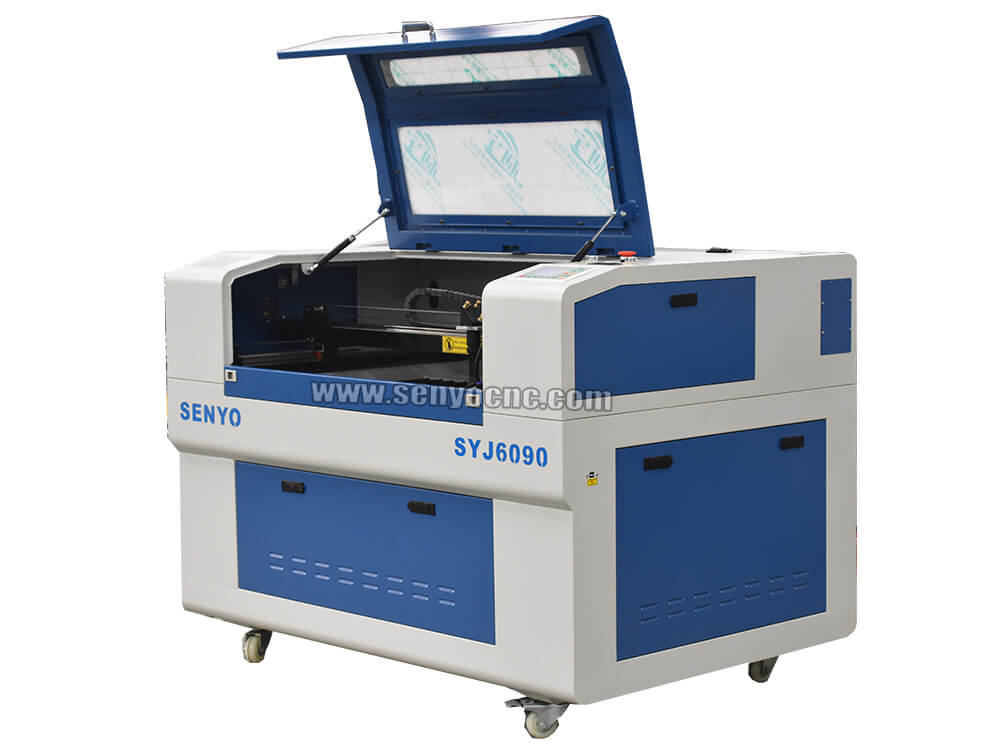
Top Rated 2x3 CO2 Hobby Laser Cutting Machine for Sale at Affordable Price
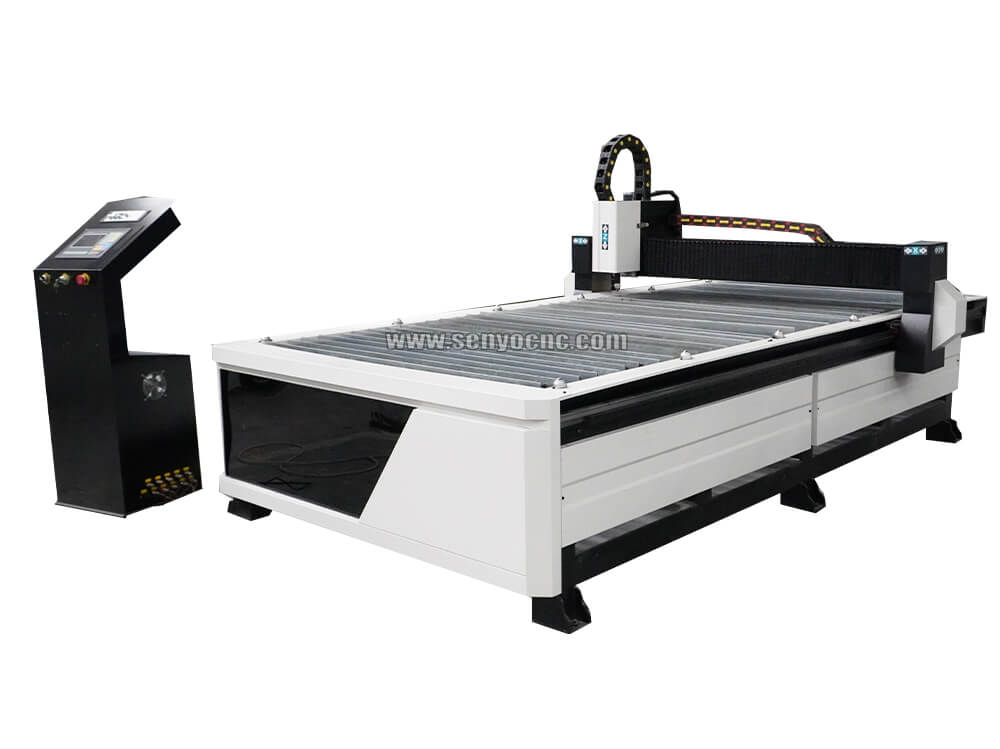
Best 4x8 CNC Plasma Cutter Table for Sale at Affordable Price
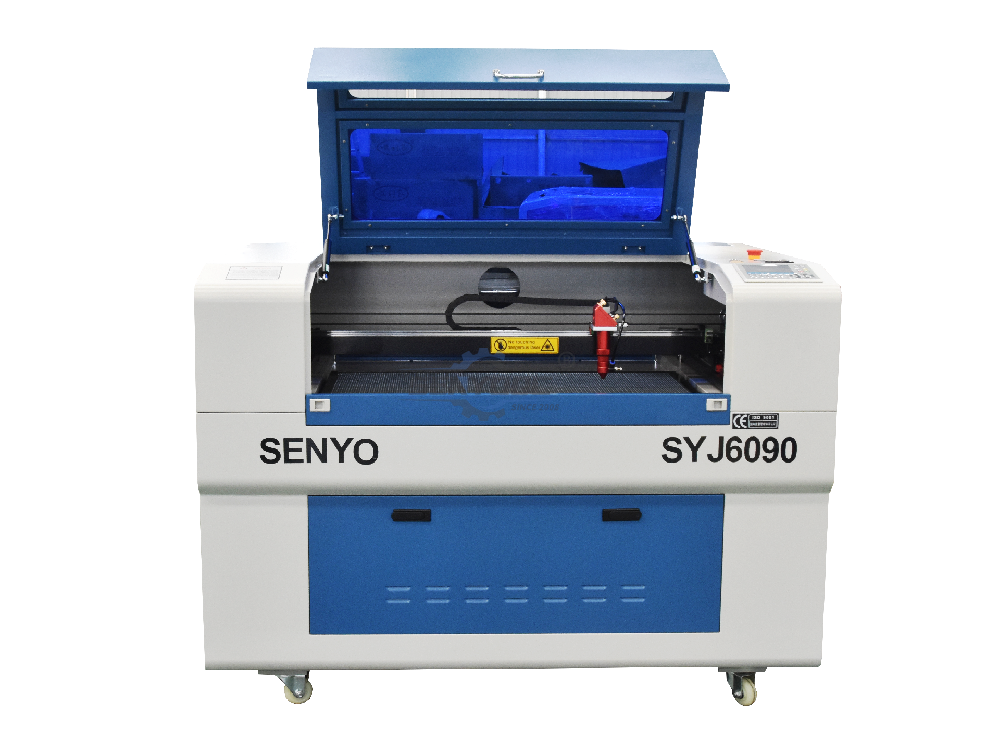
Entry Level CO2 Hobby Laser Cutter Machine for Beginners
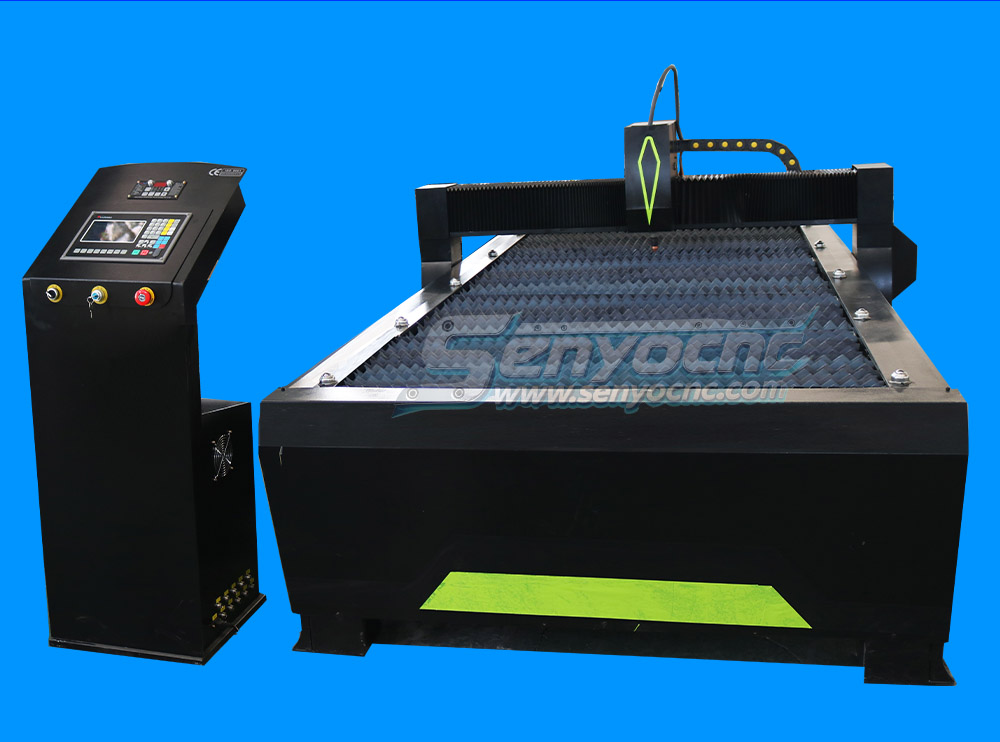
Top CNC Plasma Cutters for Automotive, Aerospace, and Manufacturing Industries
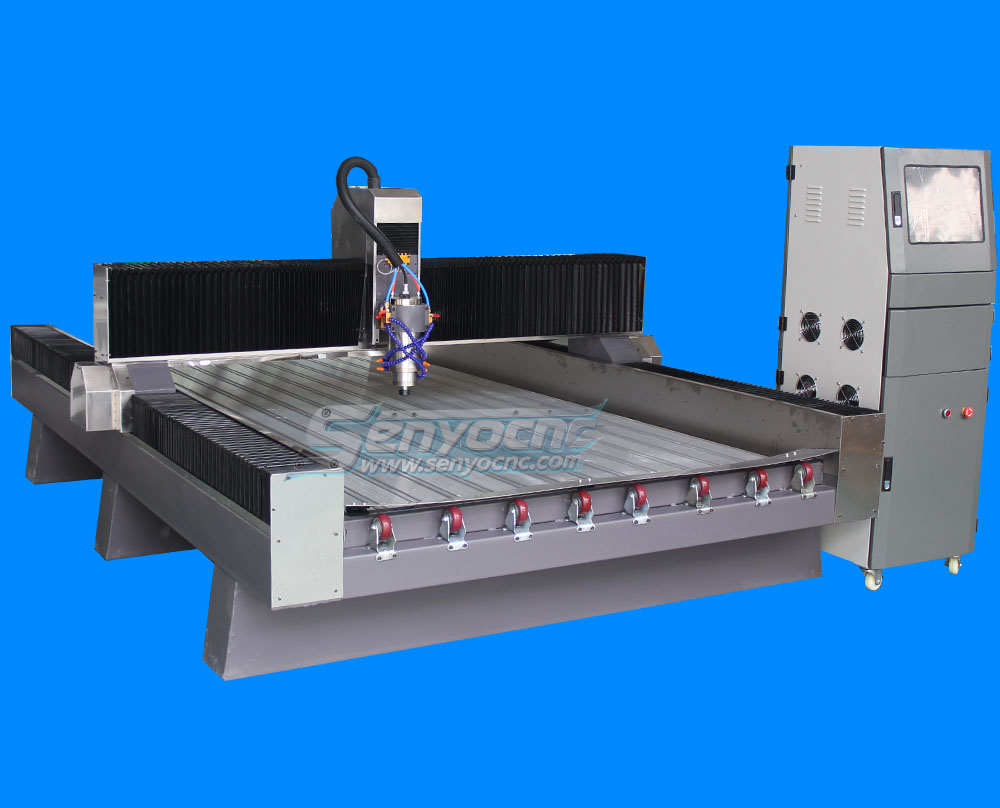
Precision Stone Engraving Machines for Memorials & Signs
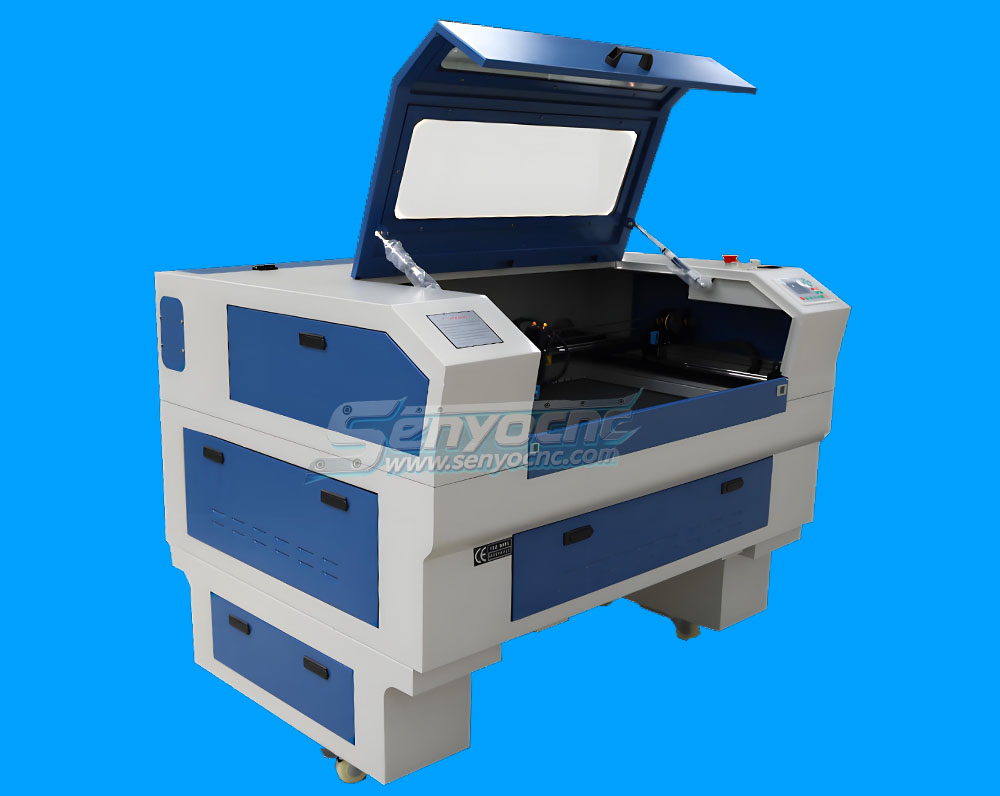
Portable Co2 9060 Laser Nonmetal Cutting Engraving Machine
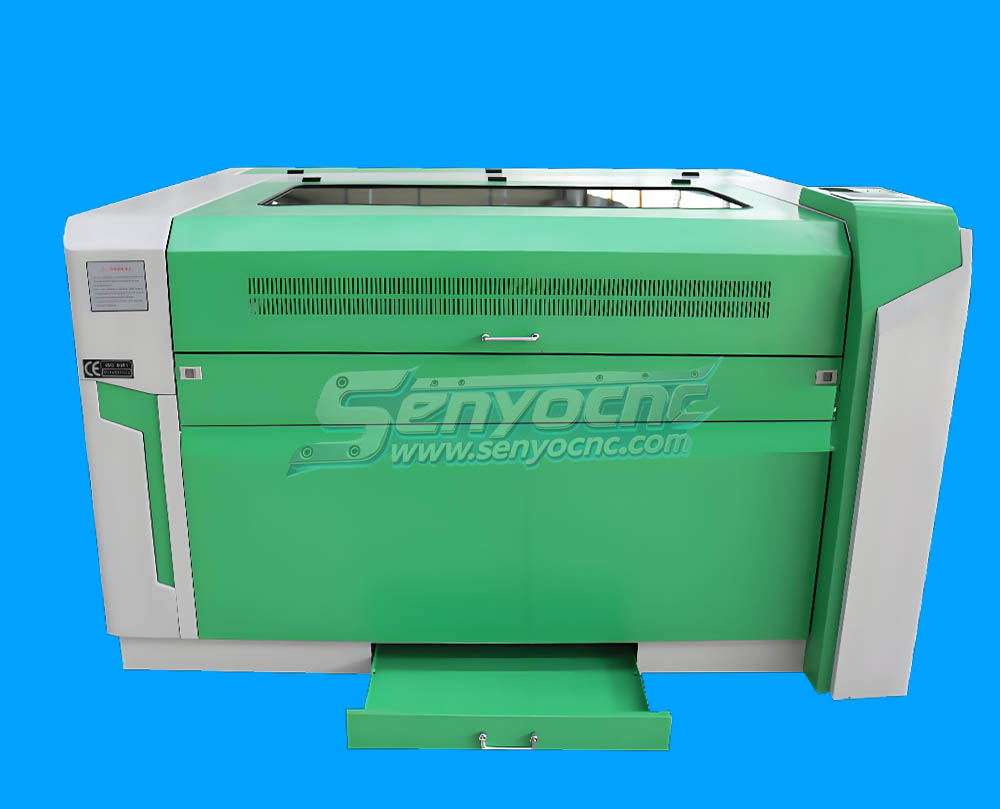
1090 CO2 Laser Machine with Ruida Controller for Non-metal Glass Acrylic Engraving Cutting
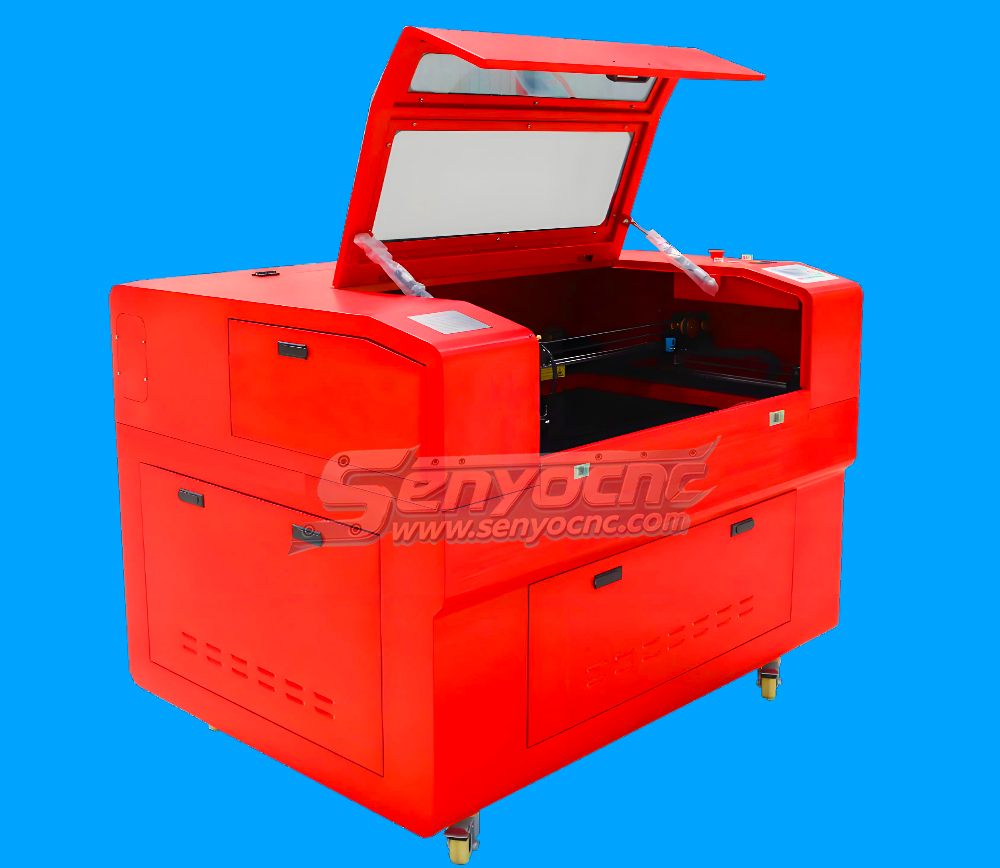
Entry Level 9060 CO2 Hobby Laser Cutter Machine for Beginners
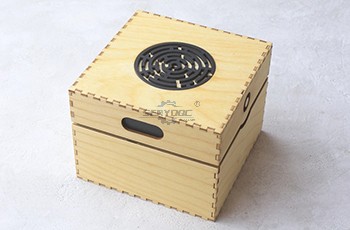
The Apprentice Maze Puzzle Box
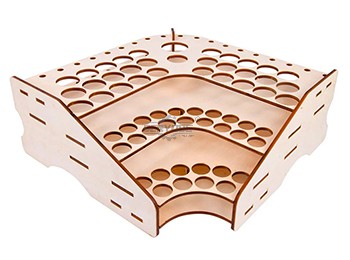
Box laser cutting software share
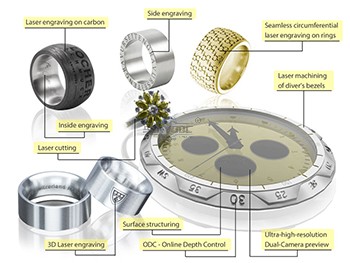
laser marking and engraving for the jewelry industry
Copper cutting for fiber laser cutting machine
Aluminum Cutting for fiber laser cutting machine
CS Laser Cutting Factors that Affect the Process
Stainless steel Fiber Laser Cutting
2d&3d wood MDF carving and cutting
3D CNC Router for Stone Relief Carving Projects
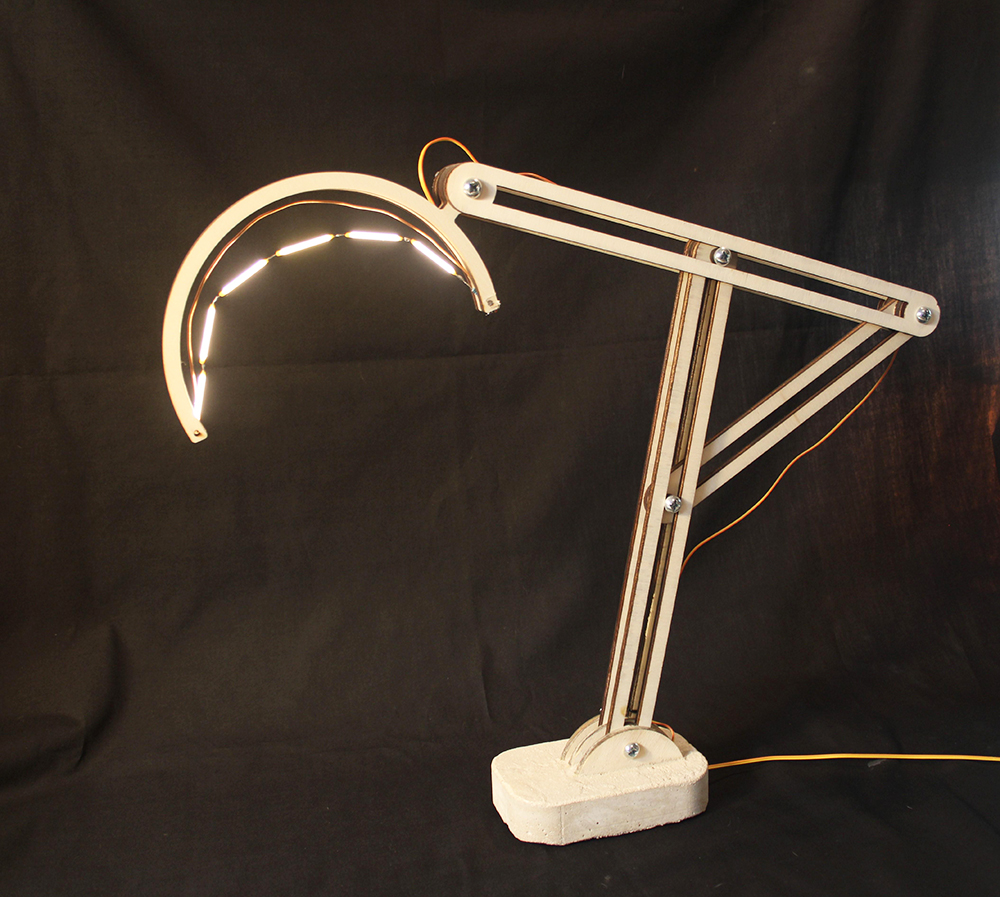
Laser Cut Adjustable Table Lamp
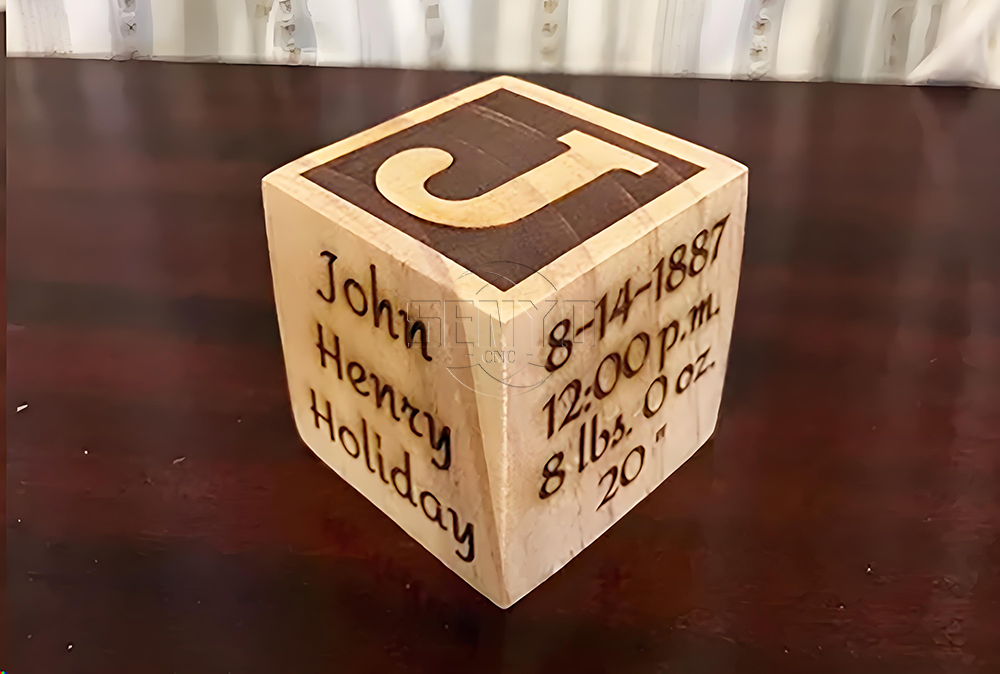
CO2 Laser cutting Baby Birth Block
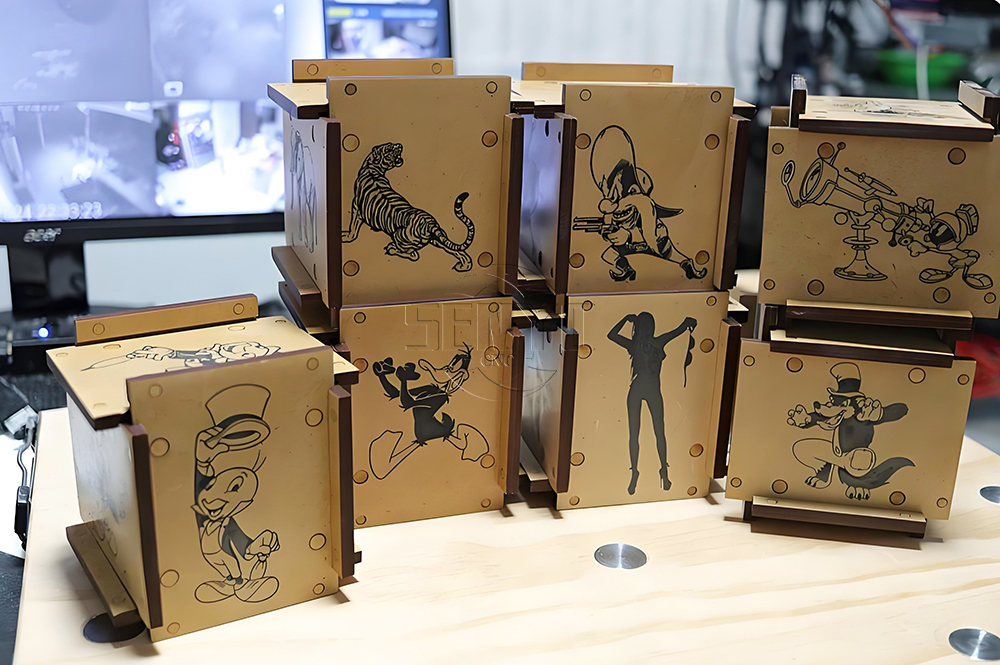
CO2 laser cutting and engraving for 6 Sided Box Puzzle
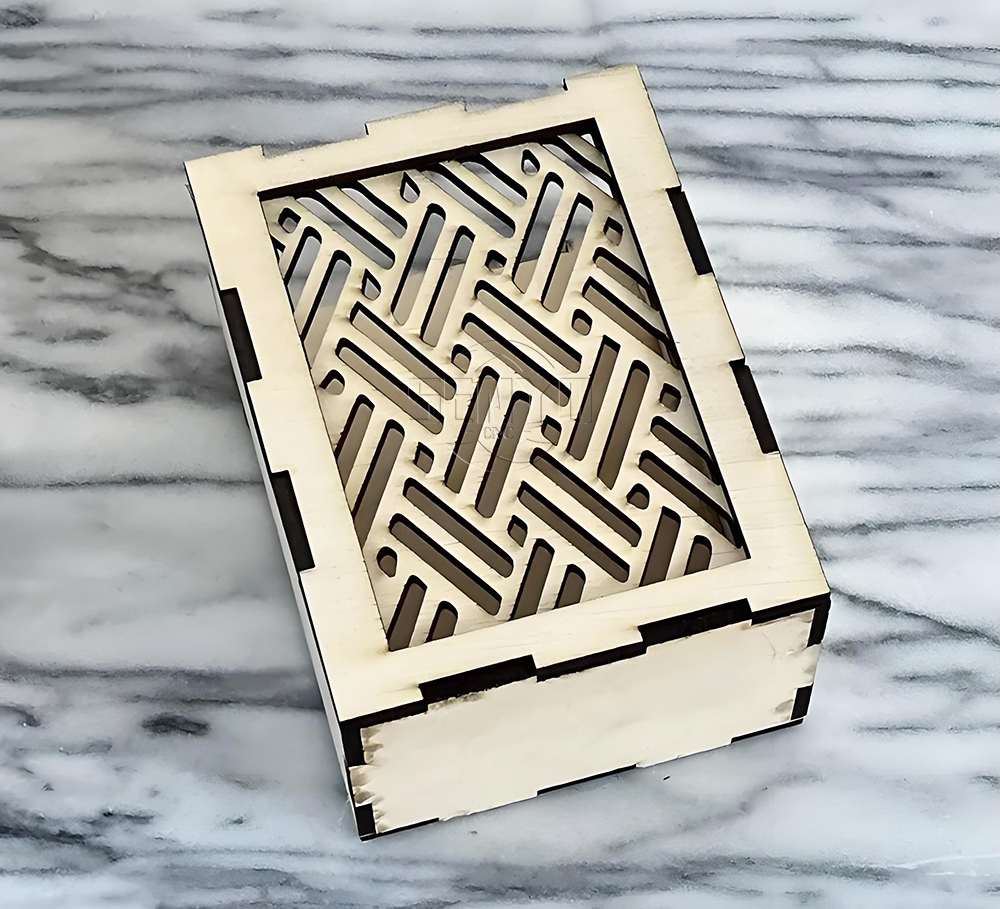
Co2 laser wood cut Illuminated Pattern Box
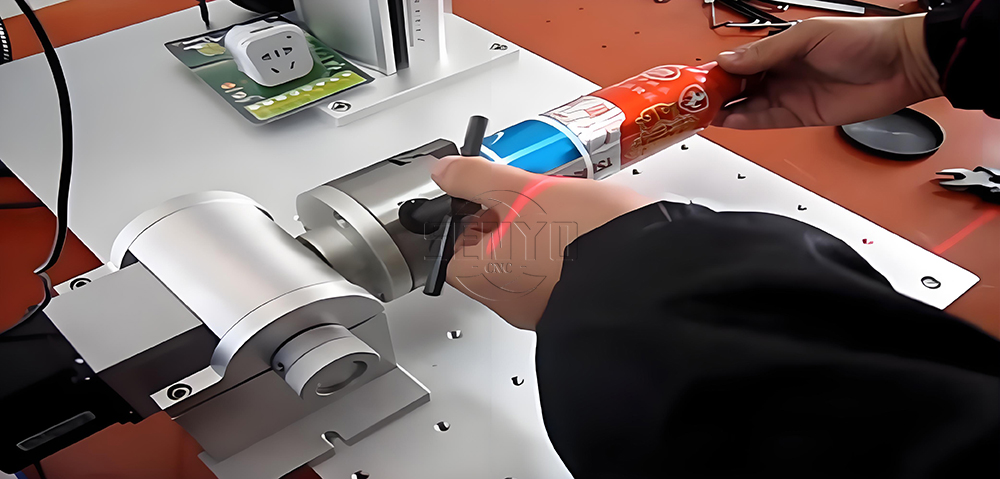
Engrave Round Parts With 50W Fiber Laser Marking Machine
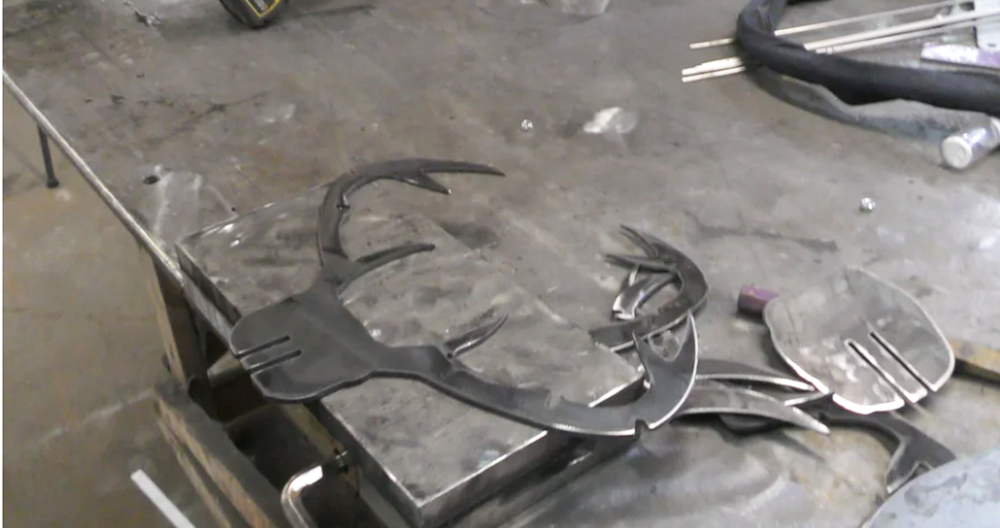
CNC Plasma Cut Deer Head
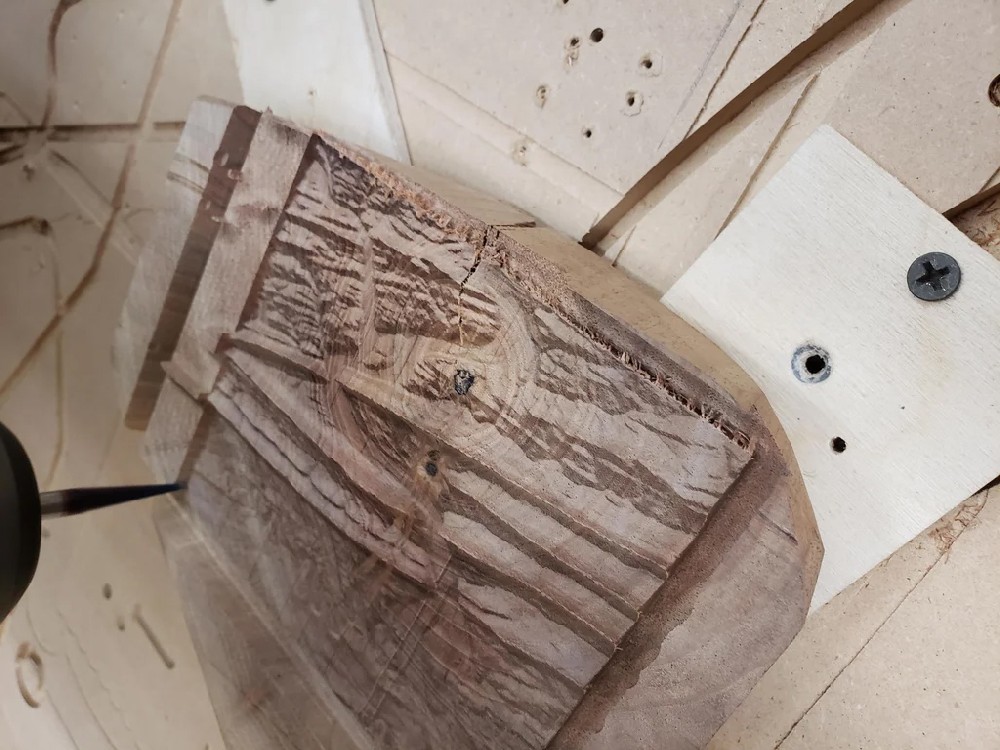
Relief Map on a CNC Router
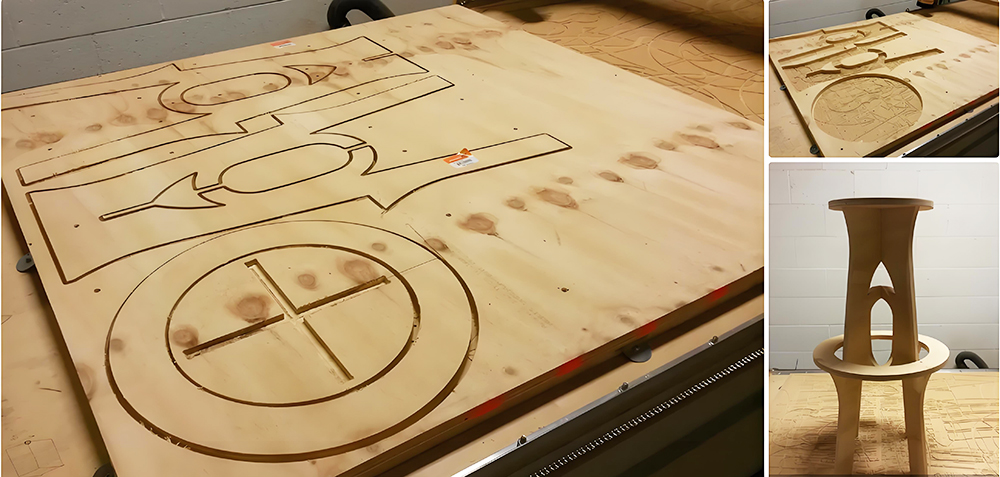
CNC Router Bar Stool
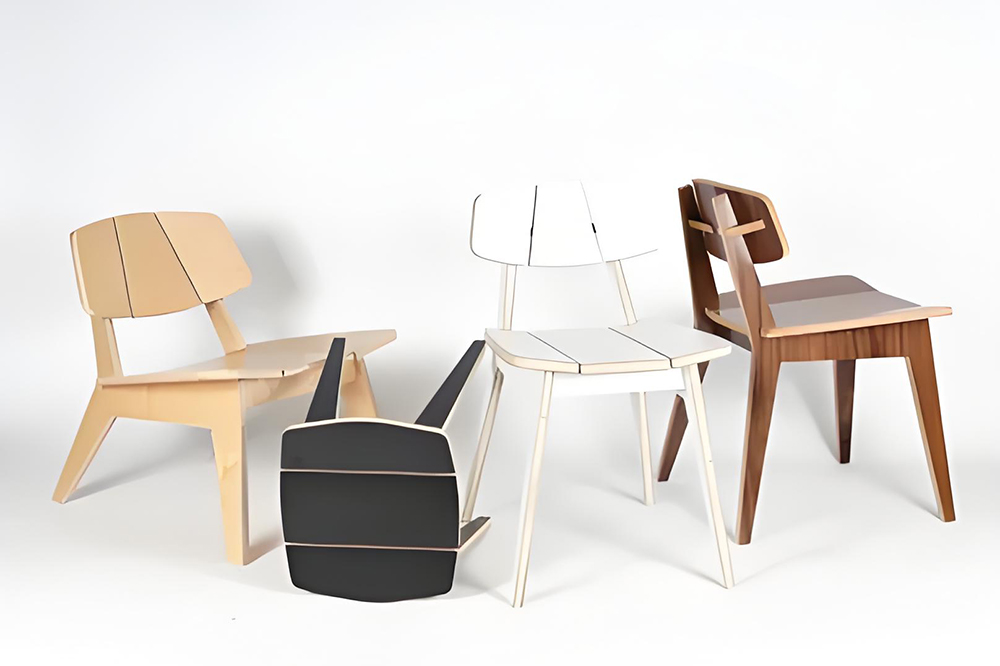
Wood Chair Made With CNC Router
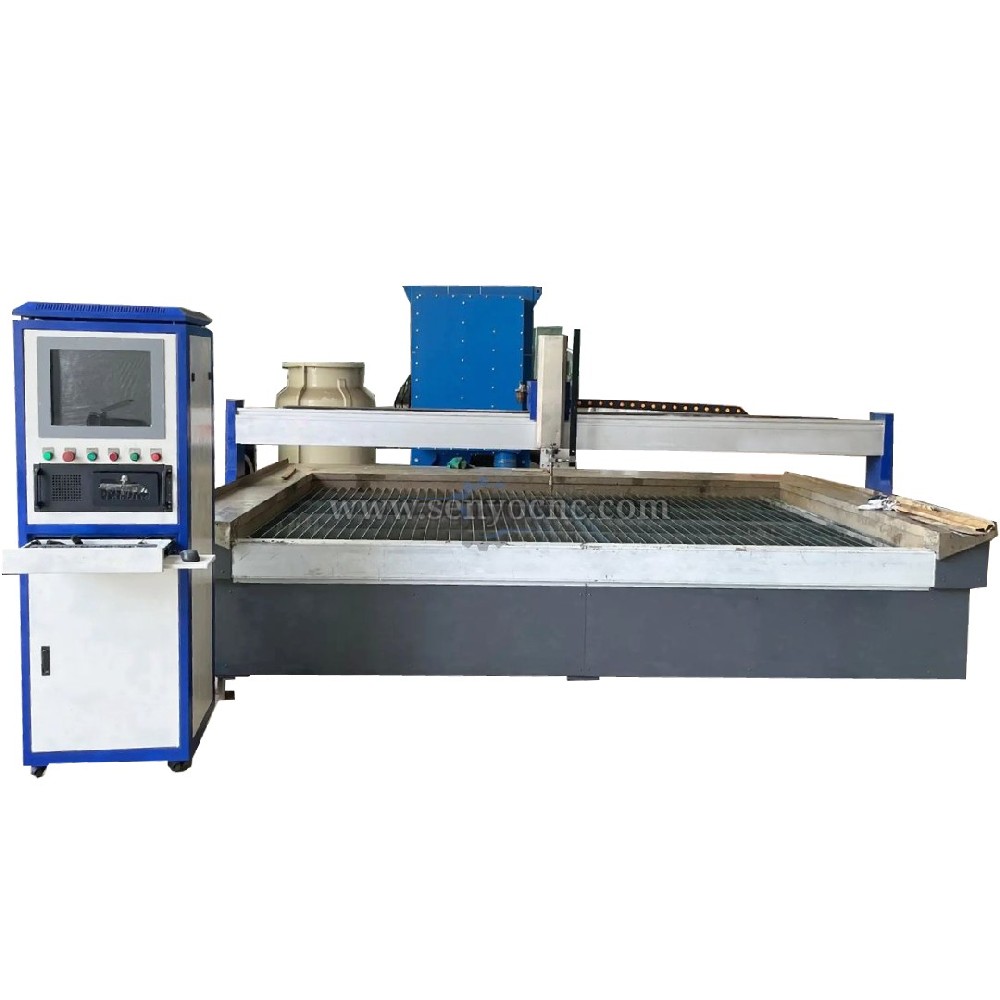
Competitive Price New Design Waterjet Machine 3 axis Cutting Machine

Typical industries that use waterjet technology
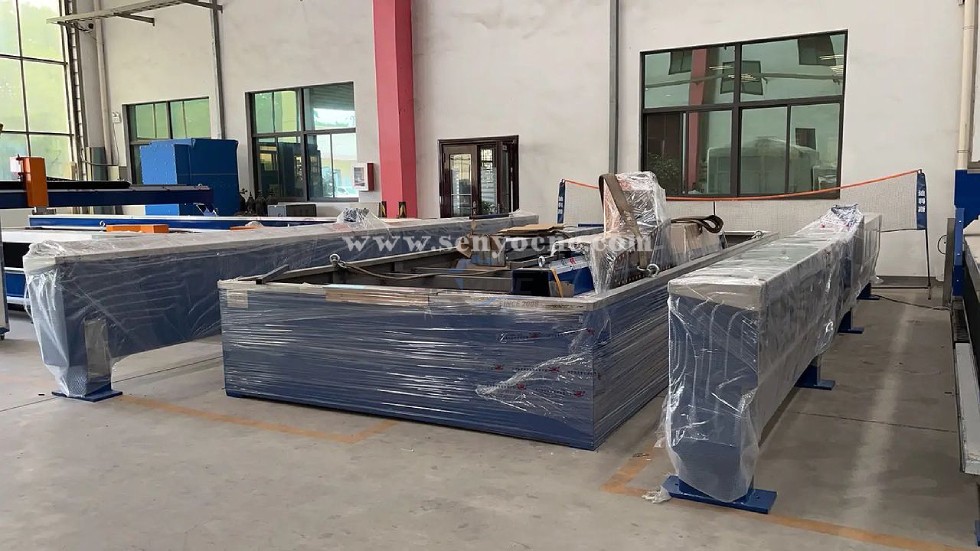
What main benefits to waterjet cutting ?
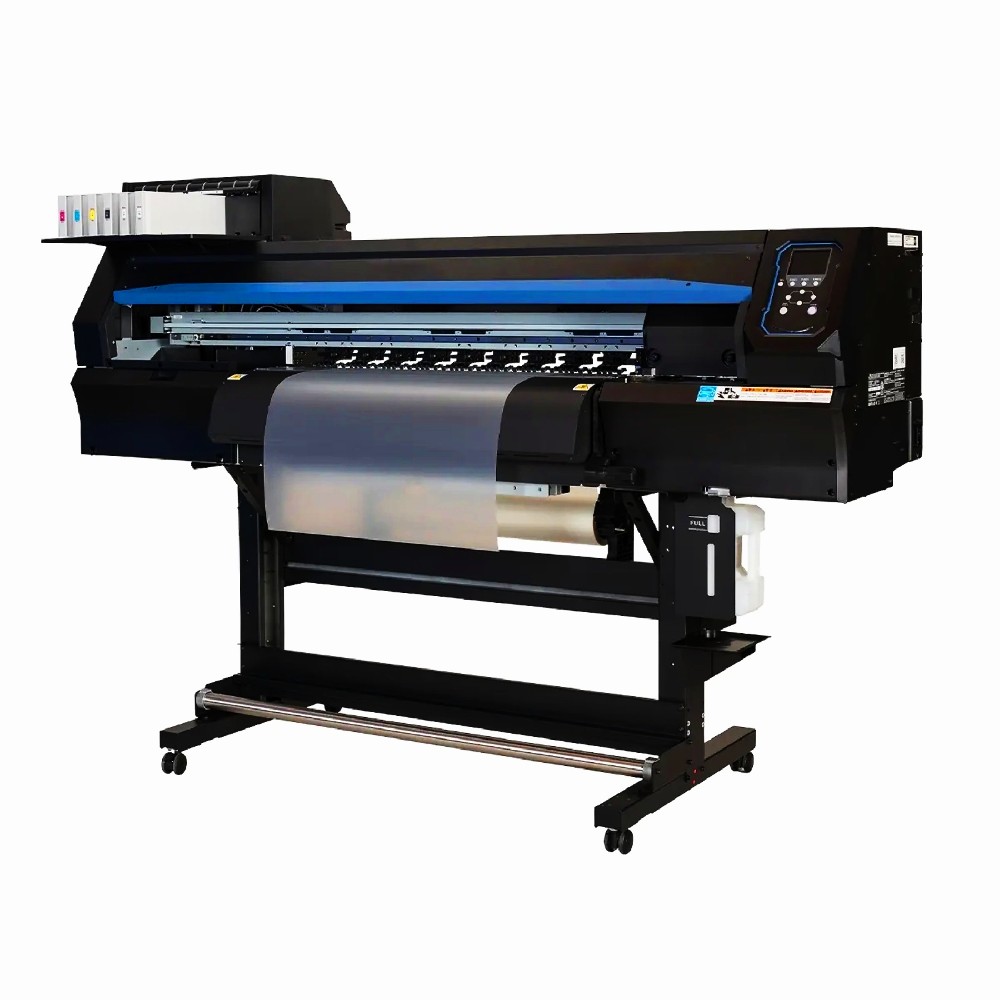
DTF Printer Machine Application
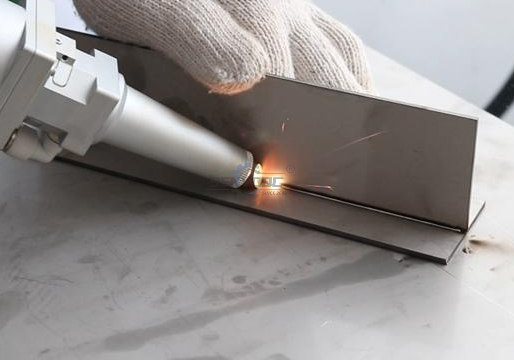
Typical fields of application
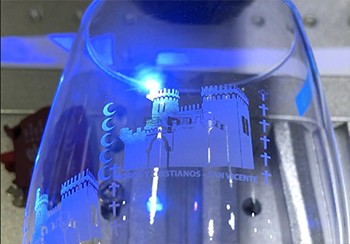
UV Laser Marking Machine For Glasses Engraving
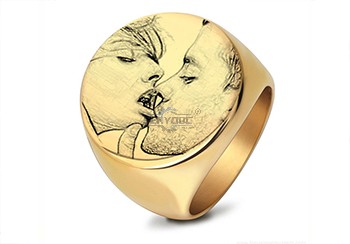
GOLD Engraving -Fiber laser marking work
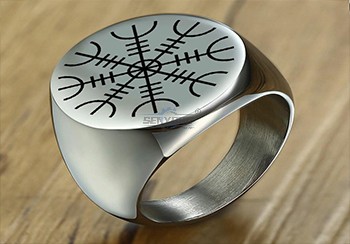
Sover Engraving -Fiber metal engraving and marking
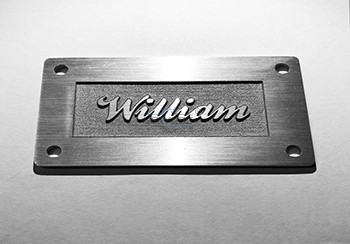
3D Marking Logo deep engraving -Fiber marking machine
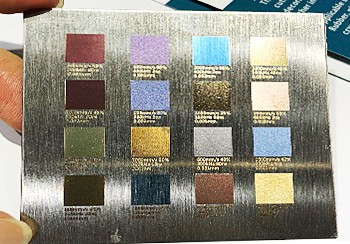
MOPA Fiber Laser Marking Machine Application and Samples
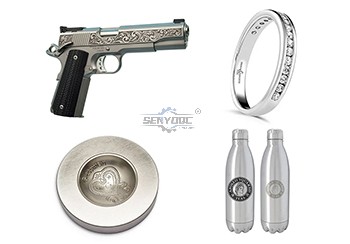
Fiber Laser Engraving and Marking Machine for Metalworking Projects
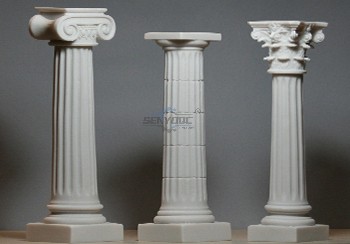
Stone shaft Rotary use engrave cnc router machine

Jacob from United States
I am a beginner at CNC, I’ve never used a CNC machine before and with in a day I was carving. An awesome machine for a beginner to learn as hobbyists. I used the manual and the help video. One hour to assemble and test, very friendly and easy to use. It’s a good buy for the money. I would definitely recommend this machine to someone getting into CNCs.
Weinstein from France
I've been using CNC plasma SYP2060-300A and I am very impressed with this unit.
This unit is of higher quality, made in China. Five stars all the way!
Marble CNC Engraving Machine SYS1560 from 🇫🇷 Pierre Martin | France
Our company works with marble for interior decoration, including engraved panels, customized signs, and ornamental stone products.
We wanted to introduce more digital processing into our workshop while retaining our existing stoneworking methods.
CNC engraving gives us flexibility when preparing designs with intricate lines and repeated decorative elements.
It is particularly useful for projects where customers require personalized designs reproduced according to specific layouts.
Fiber Laser Metal Cutting Machine from 🇹🇷 Ahmet Demir | Turkey
Our metalworking company processes sheet metal for industrial enclosures, brackets, and customized fabrication projects. We were looking for equipment that could handle digital cutting layouts and different component shapes. A fiber laser cutting machine can be suitable for this work when its power, working area, and material capacity match our requirements. The machine offers additional options for processing metal parts, and we emphasize correct setup and operator training.
SYM1325 Wood CNC Router from 🇺🇸 Michael Anderson | United States
We use this CNC router for cutting plywood, MDF, and solid wood panels in our furniture workshop.
The working area is suitable for standard-sized boards, reducing the need for repeated repositioning.
The machine supports our daily production tasks, including cutting cabinet components and engraving decorative patterns.
It has become a practical addition to our workshop, and we appreciate having
technical support available when questions arise.
SYJF50W Fiber Laser Marking Machine from 🇩🇪 Lukas Weber | Germany
Our company manufactures metal components that require identification numbers, logos, and product information.
A fiber laser marking machine provides a practical solution for marking compatible metal surfaces.
We use digital layouts to prepare different marking jobs, helping us organize production more systematically.
Choosing the correct parameters for each material is important, and the machine offers useful flexibility for product identification and customized branding.
SYM1530 CNC Router 4 Axis from 🇨🇱 Diego Morales — Chile
We use the machine for wooden prototypes, decorative parts and 3D models. The 4-axis capability allows us to create shapes that were difficult to produce before.
SYM1325 CNC ATC Router from 🇳🇱 Pieter Jansen — Netherlands
Our production includes cabinet doors, MDF panels and solid wood components. The automatic tool changer makes repeated production much more convenient.
SYJ1325H CO2 Laser Cutter from 🇵🇹 Tiago Costa — Portugal
We use the laser mainly for acrylic letters and display products. The cutting edges are smooth and the machine is easy for our operators to handle.
SYS1530 CNC Marble Engraving Machine from 🇬🇷 Nikos Papadopoulos — Greece
We purchased the machine for marble signs and personalized monuments. Portrait engraving and lettering are much faster compared with our previous manual process.


 manager@senyocnc.com
 SENYOCNC
 +86 1525 3141 880
 +86 1525 3141 880
 2061579344
